A workspace for your tools, data, and AI
Bring your apps, data, and devices into live scenes. Work with AI to build reports, tools, and workflows you can change and share.
Start on Free, with an included allowance.
Monday order review
Start with orders and stock in a spreadsheet. Build a shared review, reshape it by owner, and keep your decisions as new information arrives.
Use this scene →A scene you can keep changing
A scene keeps the data, tools, instructions, and results for a piece of work together. Pick up where you left off, and change it as the work changes.
Keep the work together
Start with a file or a connected app. Keep the working view alongside its sources, so you can check and change the result.
Let recurring work run
Run a task when you ask, on a schedule, or when a connected system sends an event.
Use it with your team
Invite teammates into a scene you have prepared. Set who can see and change it. Features depend on your plan and connected tools.
The next scene can do something different
Follow the creators you work with
Keep a roster, collect new posts, and review activity in a shared dashboard. Change the roster as your campaign changes.
Explore the creator tracker → SAPCheck purchase orders against the quotes
Compare order amounts with the prices in the attached quotes. Investigate the differences with the evidence alongside.
See the SAP example →The work can start in the physical world, too
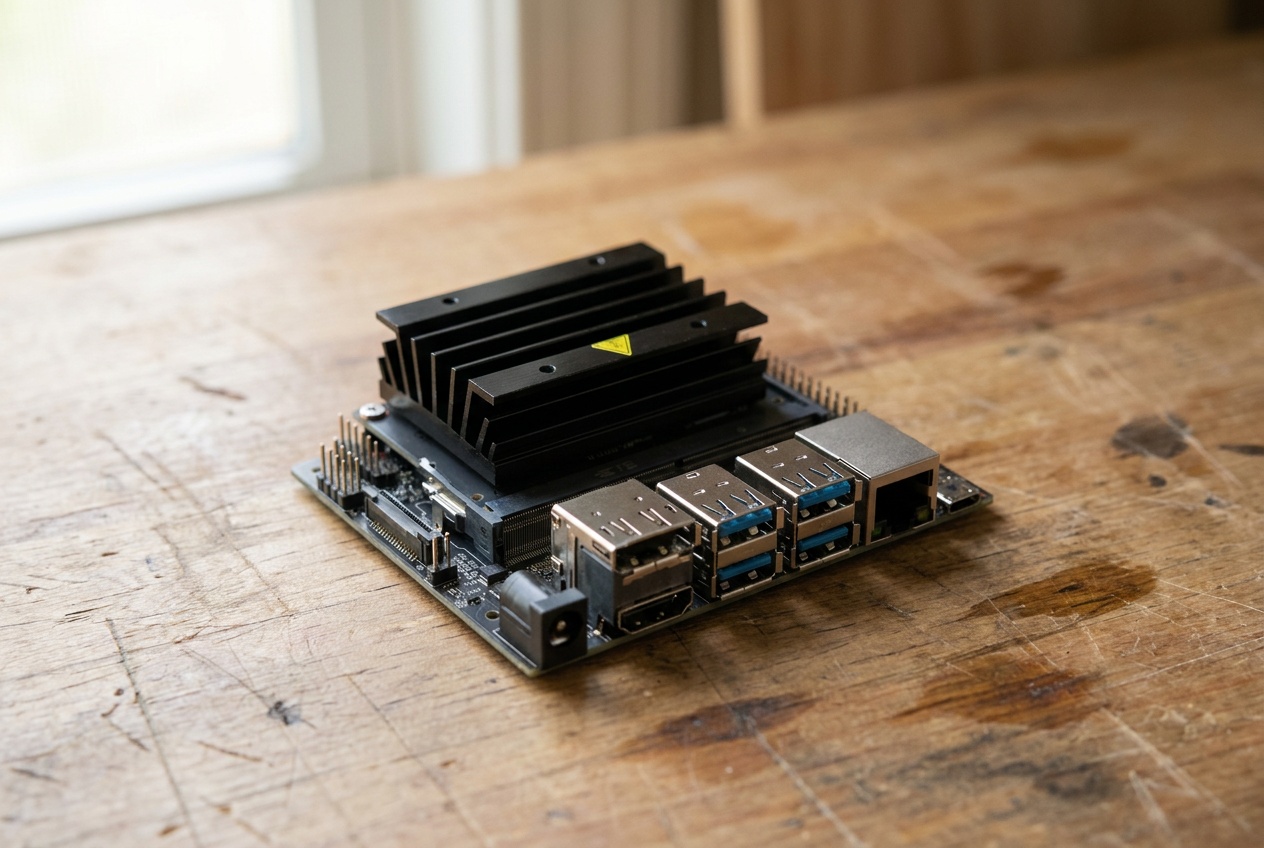
Bring a camera image, a sensor reading, or a machine event into a scene. Keep the observation, the information around it, and the next step together.
A connected machine lets a scene reach devices and services on your network. Choose the hardware and setup for the work you need to do.
Work with the tools you already use
1,400+ integrations →Connect a supported app or add an MCP server. The tools available to a scene depend on the accounts and permissions you connect.

The agent works alone until a change needs a person
You decide which changes those are and what the model is allowed to see.
Writes that matter wait for your approval
Sending mail or changing a record pauses until someone on your team approves it. A rule can approve routine ones, and the run shows which rule did.
Passwords and personal data stay out of the model
When the agent needs a login, a teammate enters it in a form only your workspace can open, and the agent sees only its name. On a connection you mark as holding personal data, the model sees stand-ins for names, emails and ID numbers.
Each run shows what it read and changed
Open a run to see every step, the approvals along the way, and what it cost.
Try it before you connect anything
Use sample data or a piece of work you already understand. Inspect the result, adjust it, and bring in more when you need it.
Do I need to connect my company’s systems first?
No. Try the order review with sample data, then add your own files or connect your tools when you’re ready.
Does everyone have to build their own scene?
You can invite teammates into a scene you have already prepared. They can use it without starting from a blank workspace. How sharing works.
Can I choose the AI model?
Choose from the supported models or connect your own model-provider keys. See model keys and hosting options for your workspace. We don’t train on your data.
What does it cost to start?
Free includes an allowance for agent usage. Paid plans add usage, recurring work, and team features. Compare plans, included usage, and spending controls.
Can we use Daslab with SAP or physical devices?
Yes, connected systems and devices can be part of a scene. The setup depends on what you want to connect. See Daslab for SAP or tell us about your workflow below.
Start with a piece of your work
Bring a file, describe what you want to make, and shape your first scene.