The business assistant that builds your system
Daslab connects your apps and devices, builds your team's tools, and runs the work you still do by hand.
Start on Free, with an included allowance.
Roastery & café
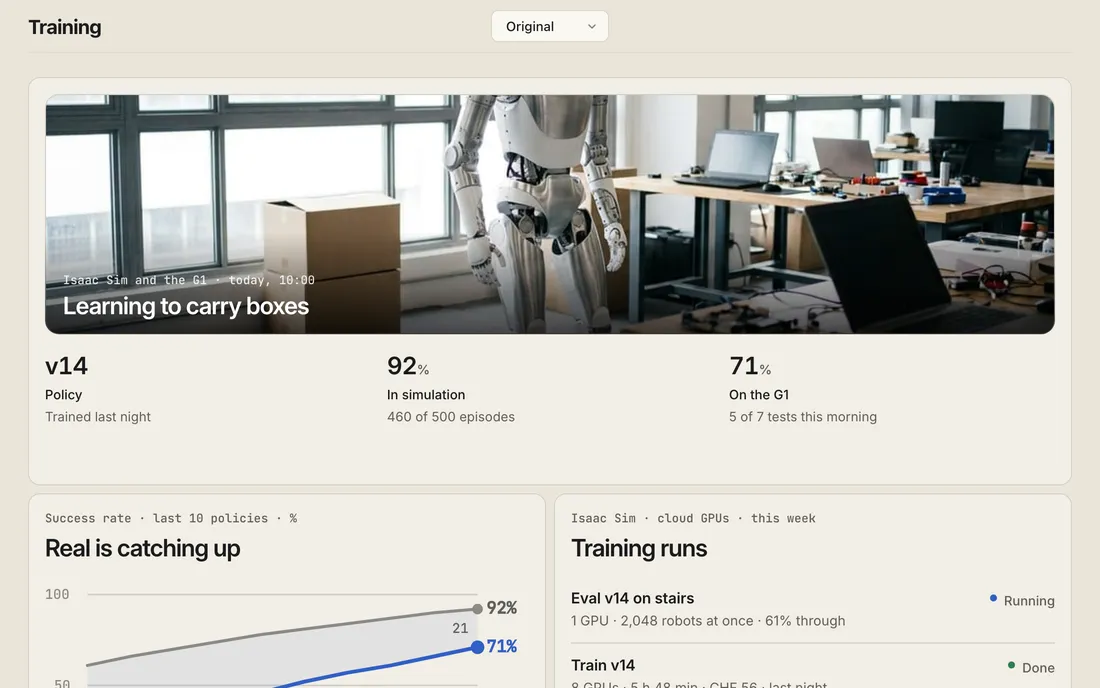
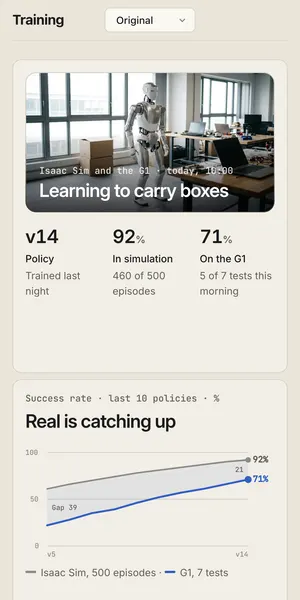
A blueprint with sample data: a café orders on WhatsApp, the head roaster fits it into Saturday, and the reorder and the reply wait for the owner's yes.
Everything in Daslab
Scenes
A scene holds what one piece of work needs: live data from your apps, the tables your team keeps, dashboards, forms and notes.
Live data, tables, dashboards and forms, knowledge base, blueprints, sharing
Jobs
Ask in plain words and a job does the work, right away, on a schedule or when something happens. It can wait days for a reply and carry on where it stopped.
Questions and tasks, schedules, triggers, follow-ups, saved scripts, meetings (beta)
Browser and computer
Every scene has its own computer. Jobs run code on it, keep files, and use websites that have no API.
A computer per scene, browser, your Mac, code, files, small web apps
Machines
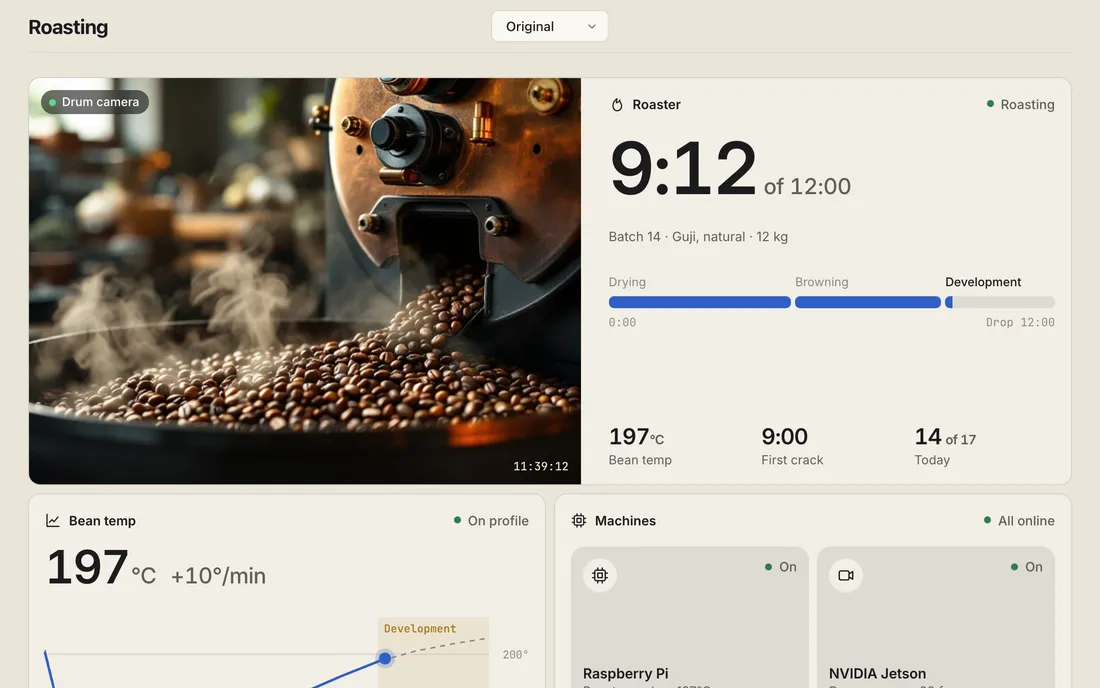
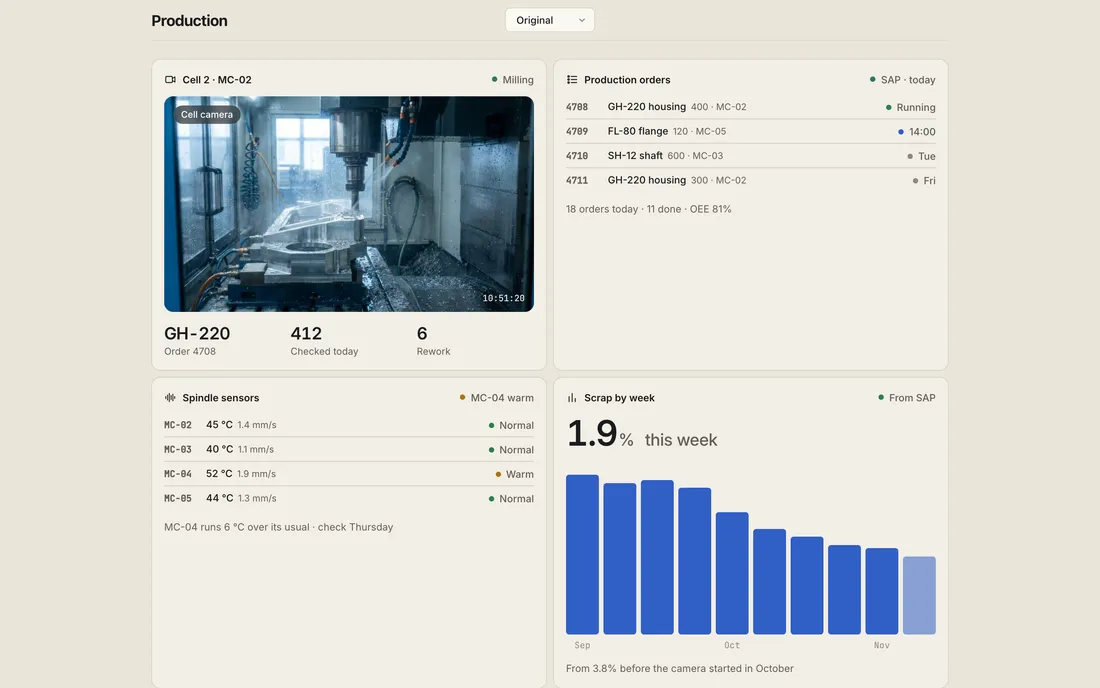
Connect a server in your rack, a PC on the shop floor or a Mac in the office with one command, and its cameras, sensors and devices show up in your scenes.
Daslab node, cameras and sensors, run on your hardware, devices, on-prem gateway, updates
Integrations
1,400+ integrations, including SAP, Microsoft 365, Google Workspace, Slack and your databases, plus any MCP server.
1,400+ apps, SAP, Microsoft 365, Google Workspace, email, chat apps, databases
Team and control
Invite your team into a scene and decide who sees what and who says yes. Every job keeps each step it took and what it cost, under a spending cap you set.
Shared jobs, approvals, roles, job history, spend caps
Security and privacy
Logins never reach the chat or the model, personal data is masked before the model reads it, a job works with the access of the person who asked, and every change is recorded.
Logins and keys, PII masking, jobs act as you, audit log, no training on your data, data processing agreement
Models
Use Claude, GPT, Gemini or open models, on our accounts or your own keys, or run one on a machine you own.
Claude, GPT, Gemini and more, your own keys, local models, benchmarks
Apps and code
Daslab runs on Mac, Windows, iPhone, iPad and the web. Developers can use the CLI, MCP or the API, export scenes to git, or host Daslab themselves.
Mac, Windows, iPhone, iPad and web, CLI and MCP, API, export to git, self-hosting, whitelabel and embedded
Integrations
1,400+ integrations →Connect a supported app, or add any MCP server.

Start from a blueprint
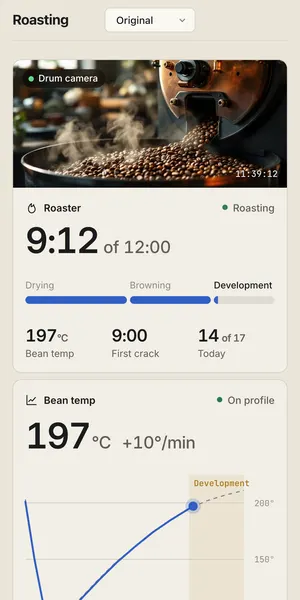
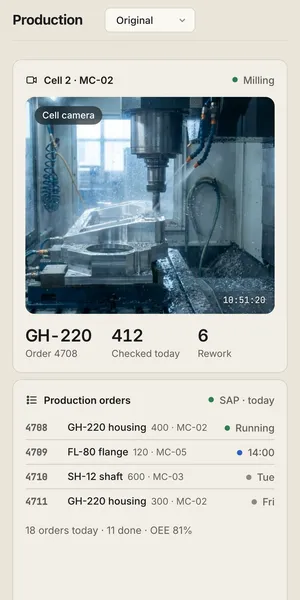
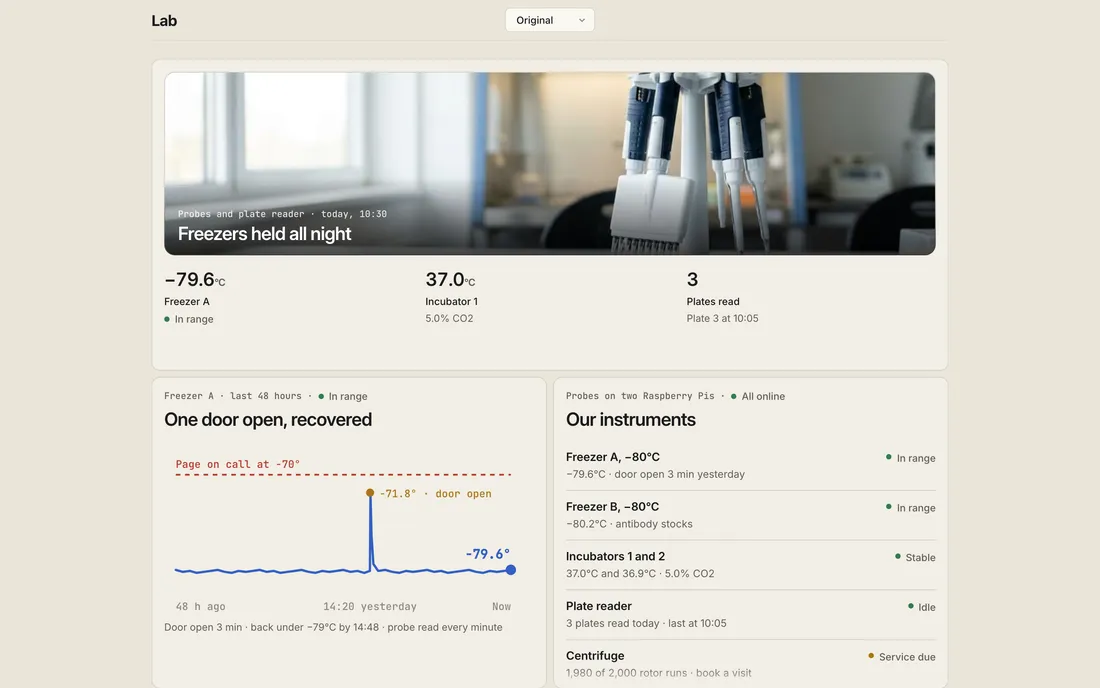
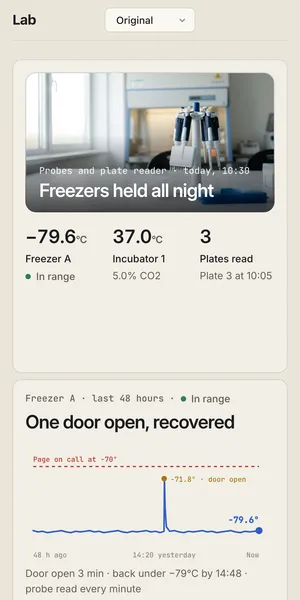
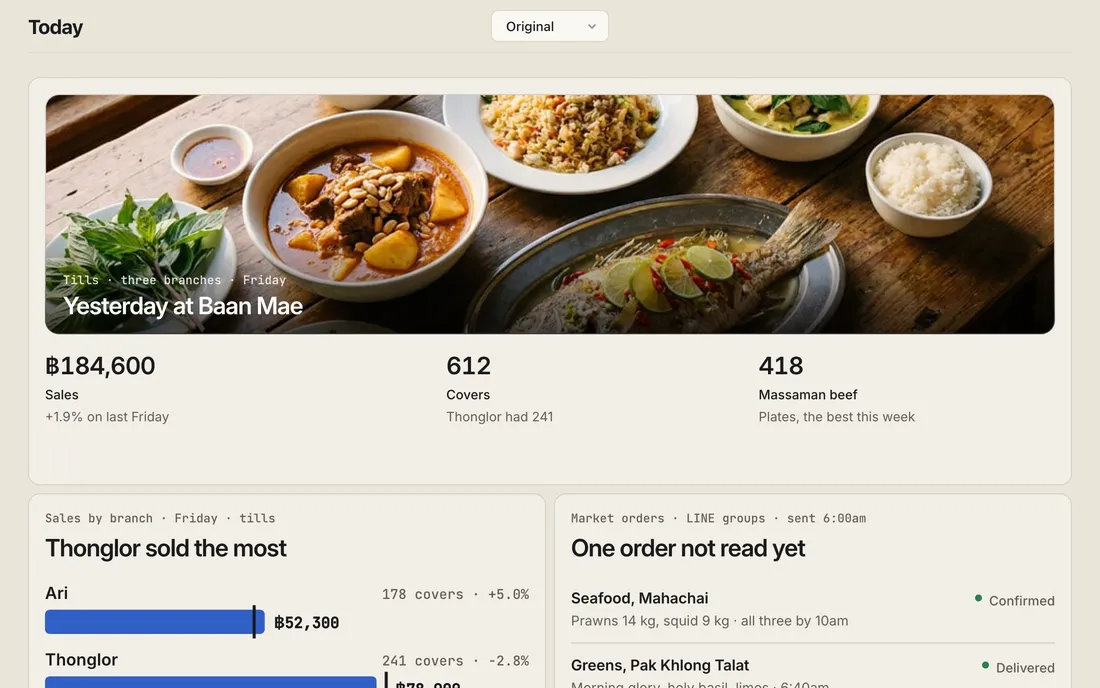
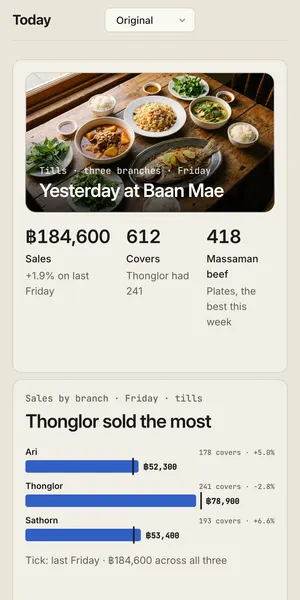
A blueprint is a working scene with sample data. Open one and ask it something.
Common questions
Do I need to connect my company’s systems first?
No. Open a blueprint with sample data and ask it something, then add your own files or connect your tools when you’re ready.
Does everyone have to build their own scene?
You can invite teammates into a scene you have already prepared. They can use it without starting from a blank page. How sharing works.
Can I choose the AI model?
Choose from the supported models or connect your own model-provider keys. See model keys and hosting options. We don’t train on your data.
What does it cost to start?
Free includes a usage allowance. Paid plans add usage, recurring work, and team features. Compare plans, included usage, and spending controls.
Can we use Daslab with SAP or physical devices?
Yes, connected systems and devices can be part of a scene. See Daslab for SAP or tell us about your workflow below.
Start with one piece of your work
Bring a file or describe what you need. Daslab builds your first scene from it.