A scene can run on machines you own
Every workflow becomes a scene: its data, its tools, the agent that runs it, and the history of everything it did. By default a scene's computer is one of ours. It can also be the Pi behind your router, the Mac mini on your desk, a Jetson with a camera on it, or an ESP32 with a sensor. You run one command on the machine, type a code on your phone, and it is a tile in the workspace.
Scenes you pin to it run there: on your network, from your address, next to what you plugged in.
Pick the one you have
Four of them run the same node software. The ESP32 is smaller than that: it reports to a node, or joins on its own. Each guide is the command, the code, and a few things to ask once it is in.
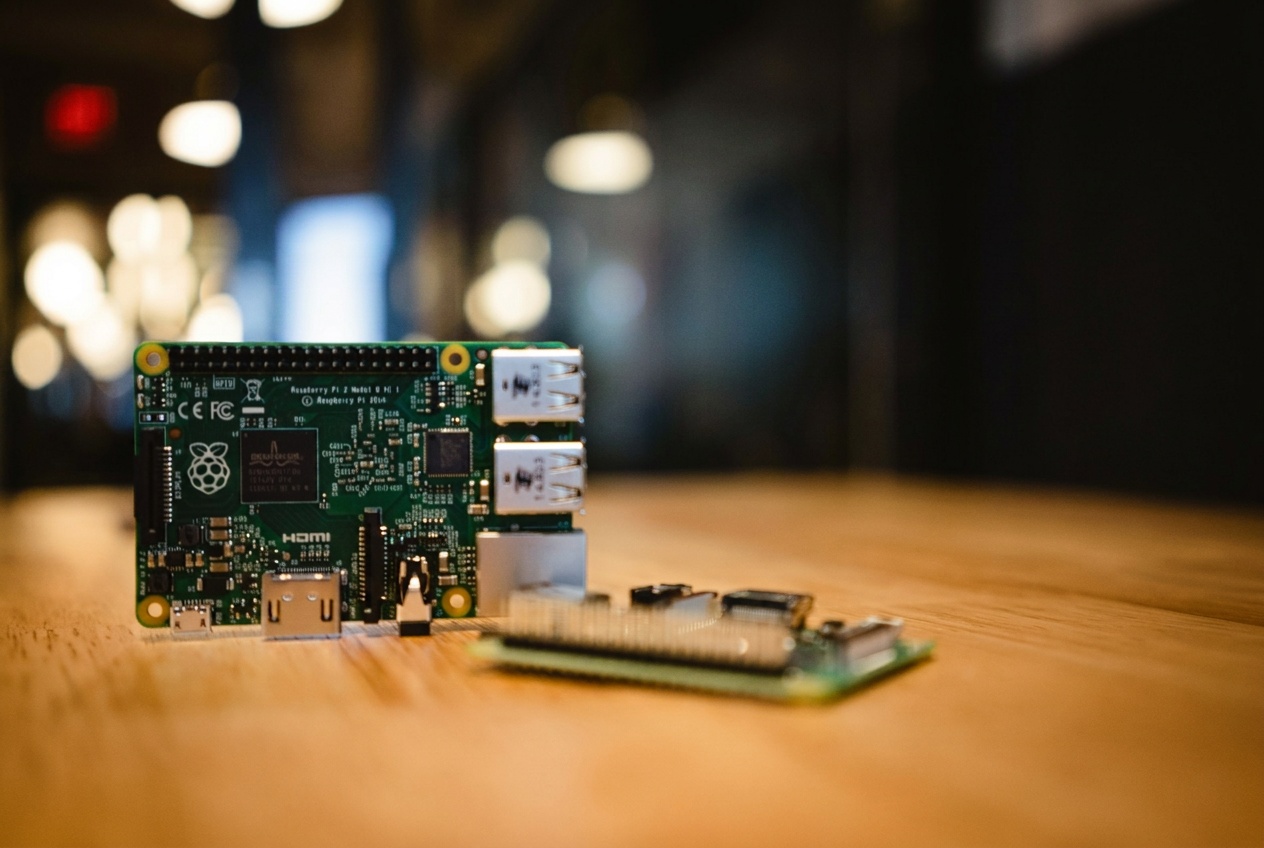
A small computer that stays on at home, on your network.
- See what is on the home network and whether the NAS or the printer is up
- Fetch pages from your own address
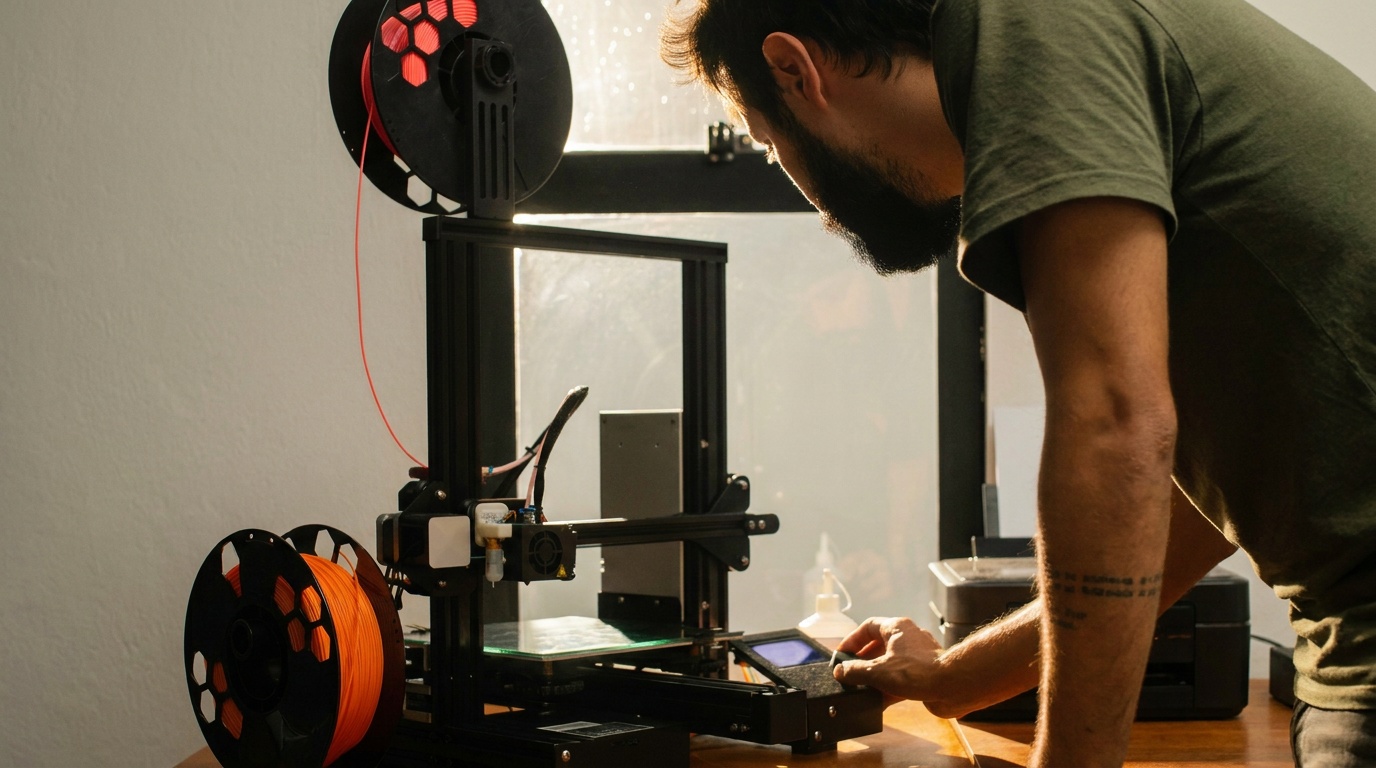
- Watch the 3D printer through a camera
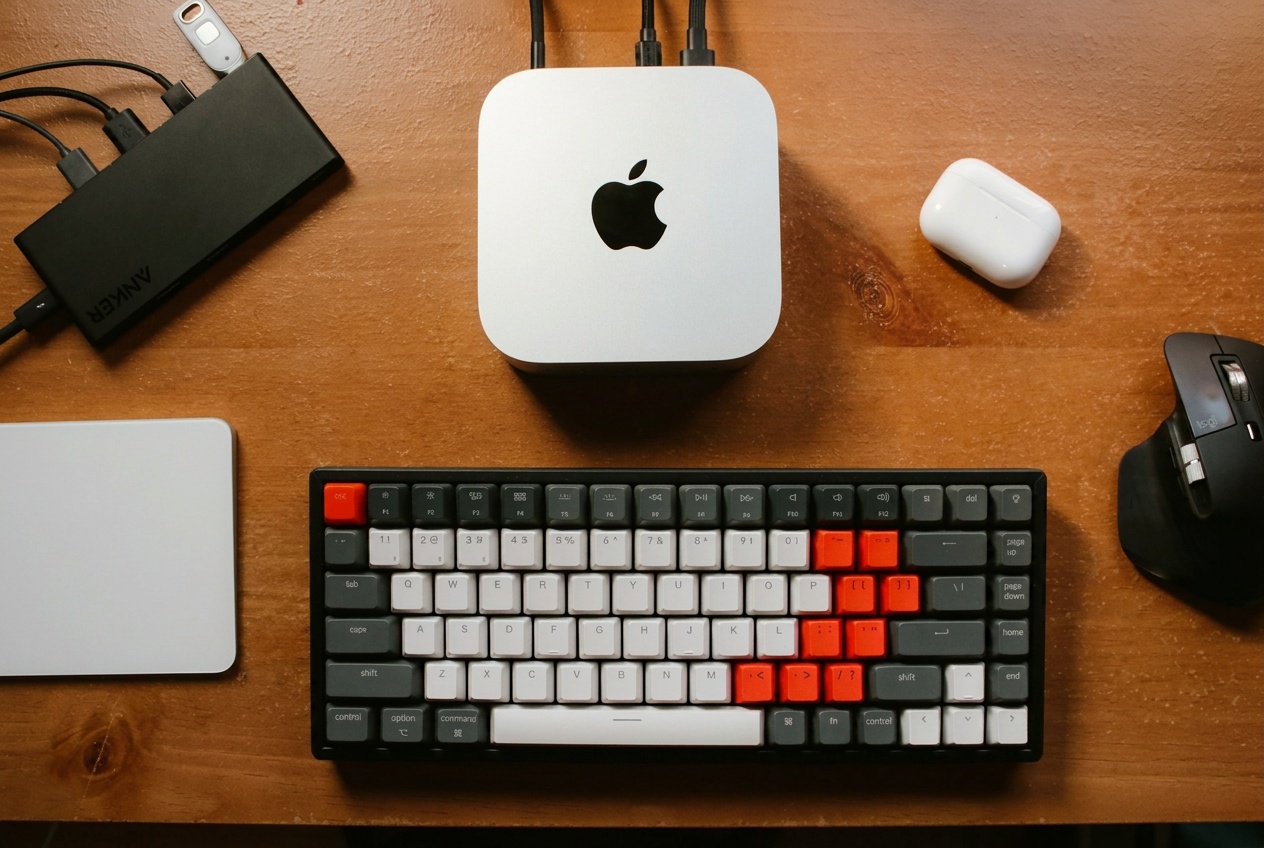
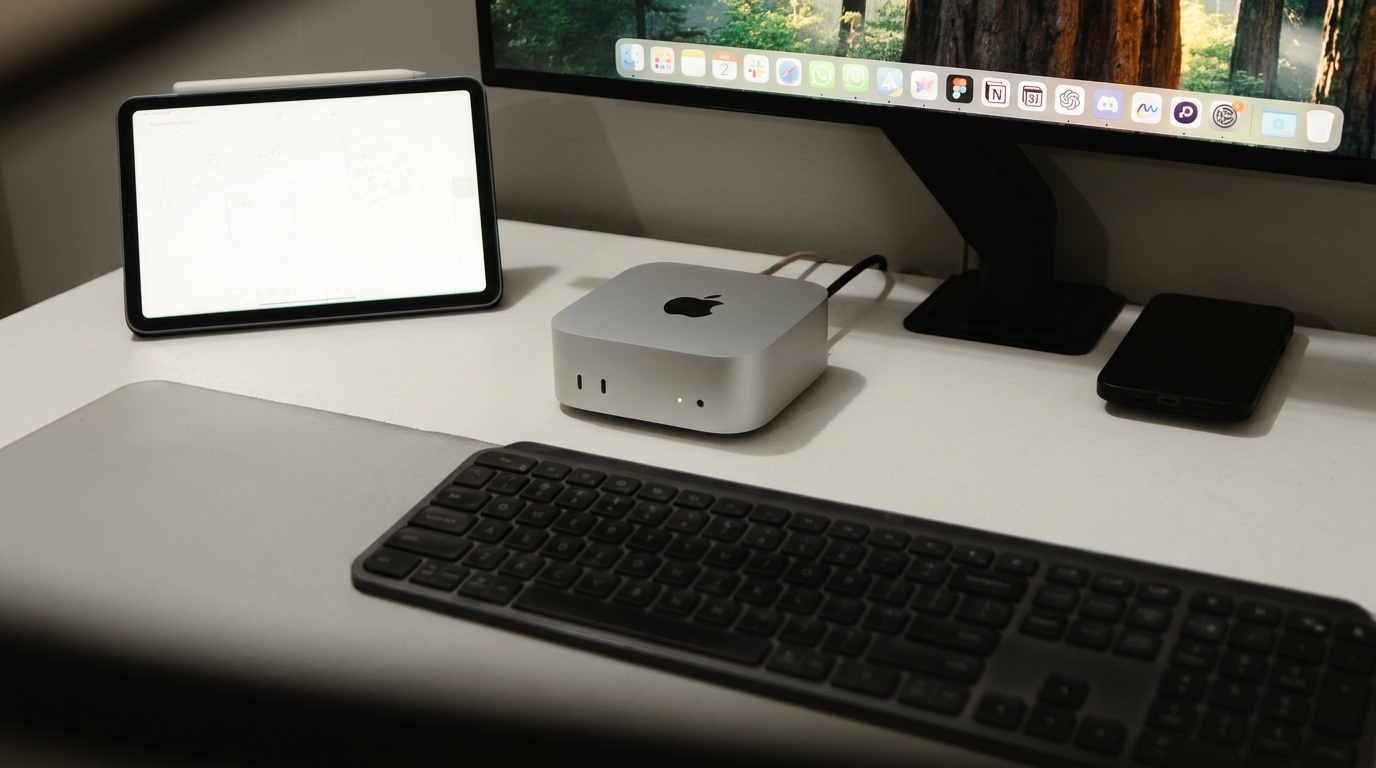
The Mac on your desk that is already signed into everything.
- Browse and download on sites that want a real machine
- Build and test on your own toolchain
- Run a local model on Apple silicon
- Show its own screen live in a scene
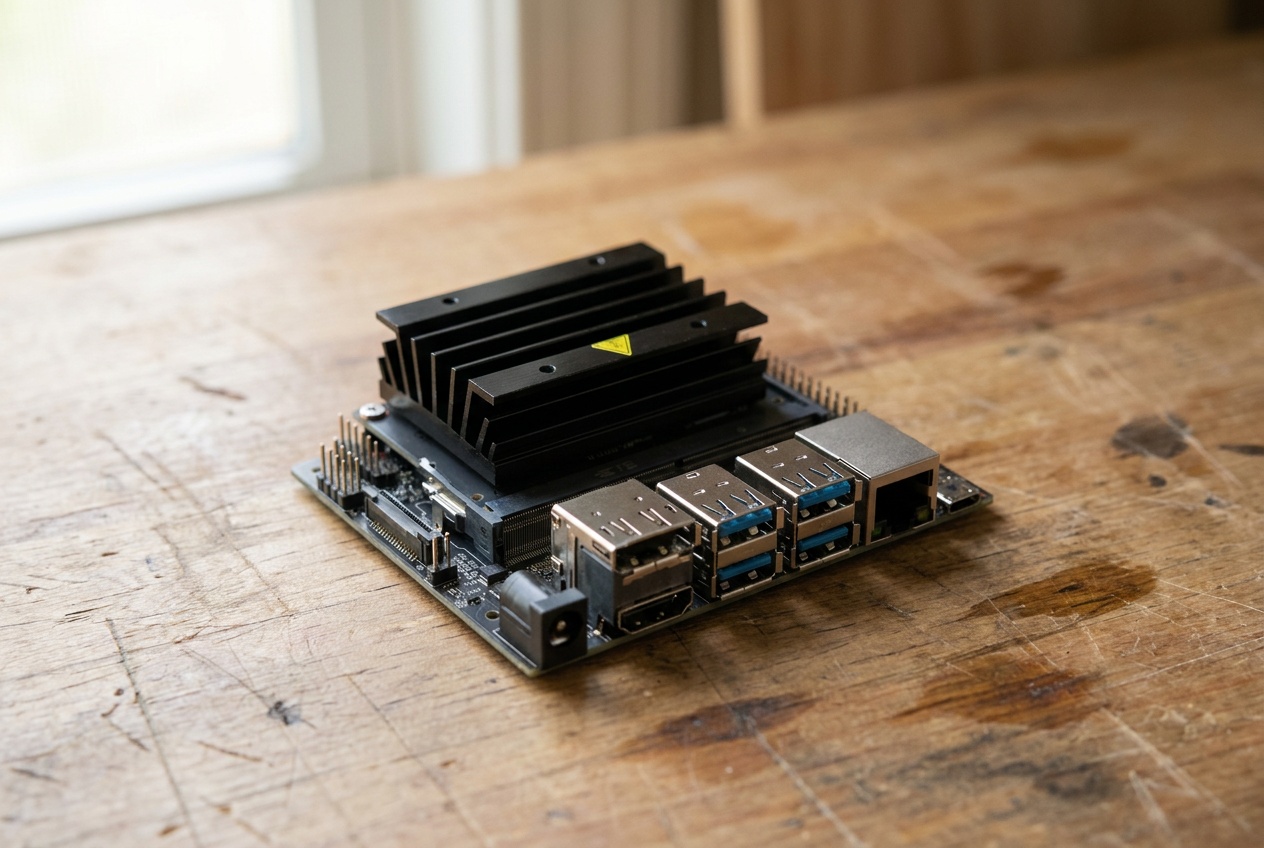
A small computer with a GPU, for cameras and robots.
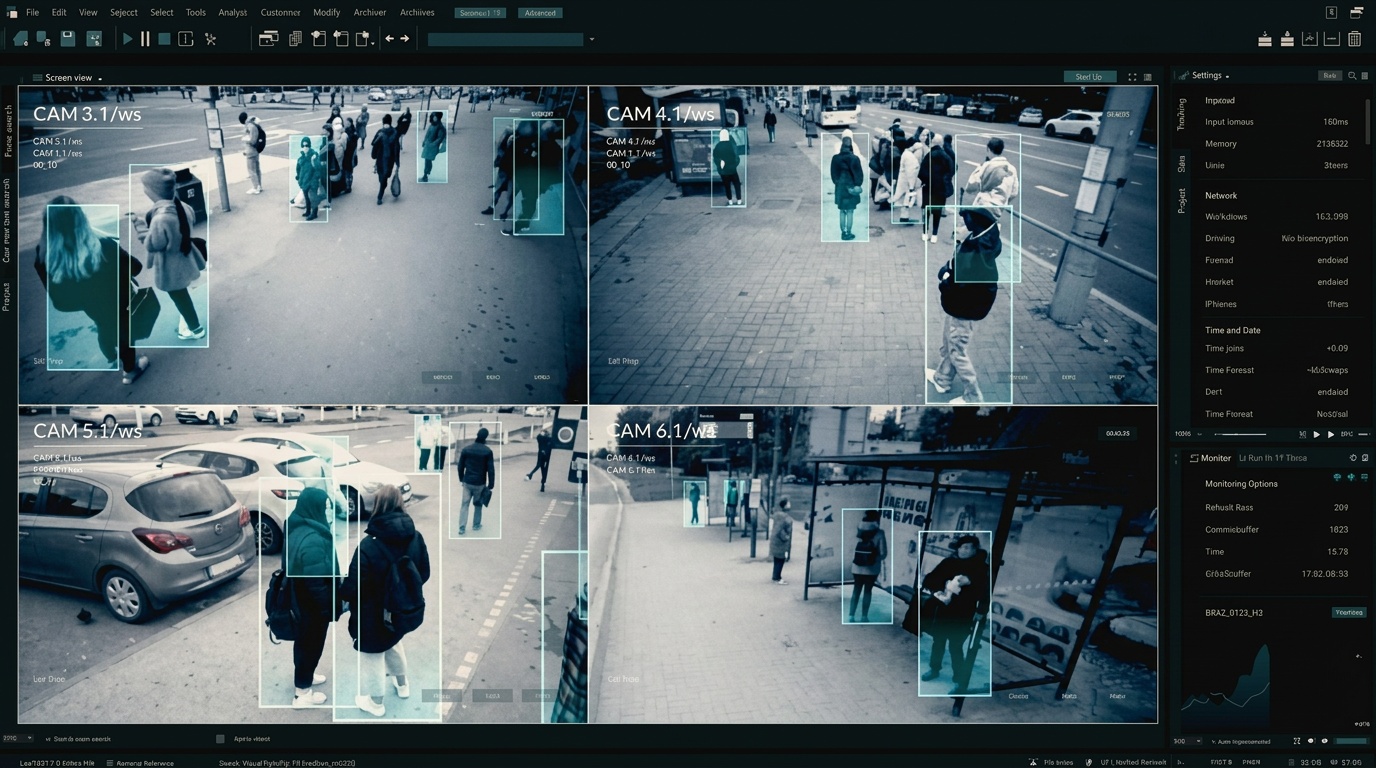
- Count people, parts or boxes from a camera
- Run a vision model without the footage leaving the building
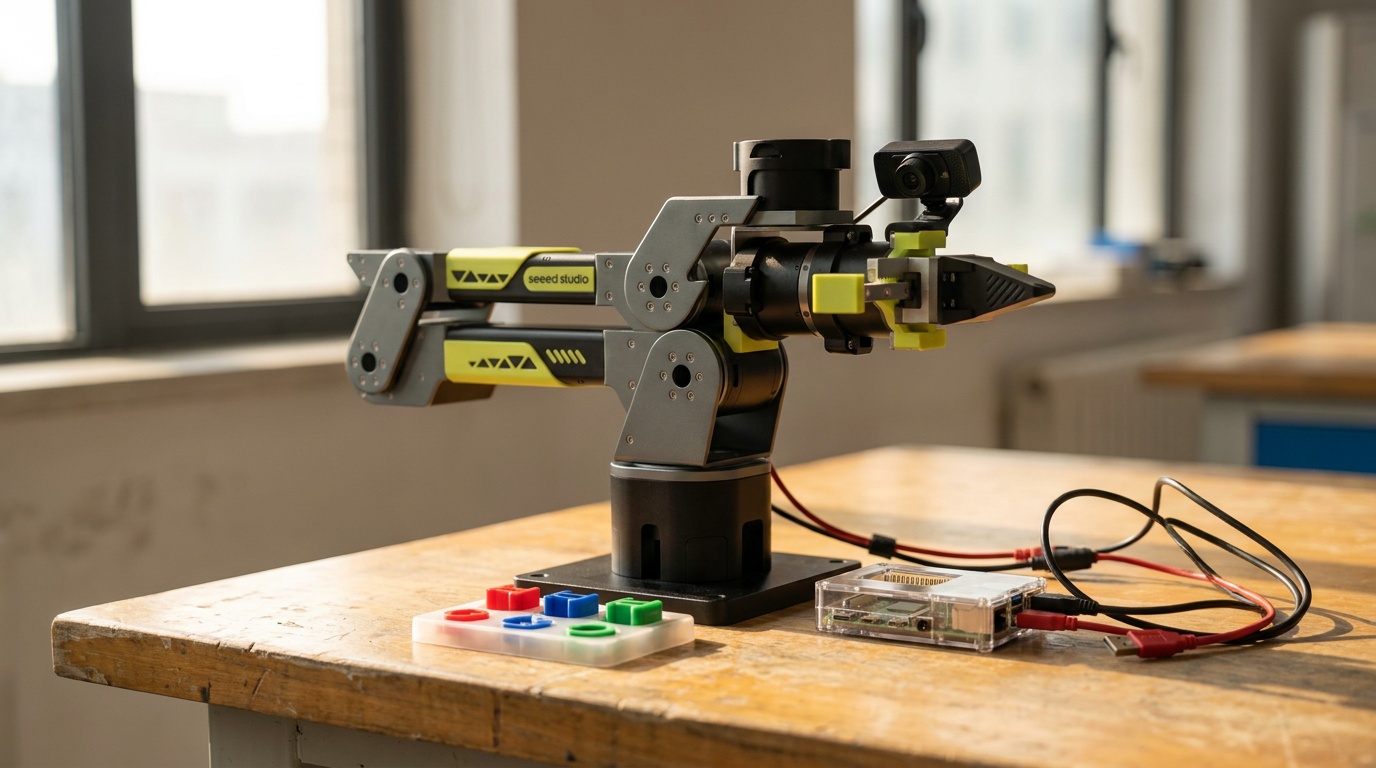
- Drive a robot arm with the agent watching
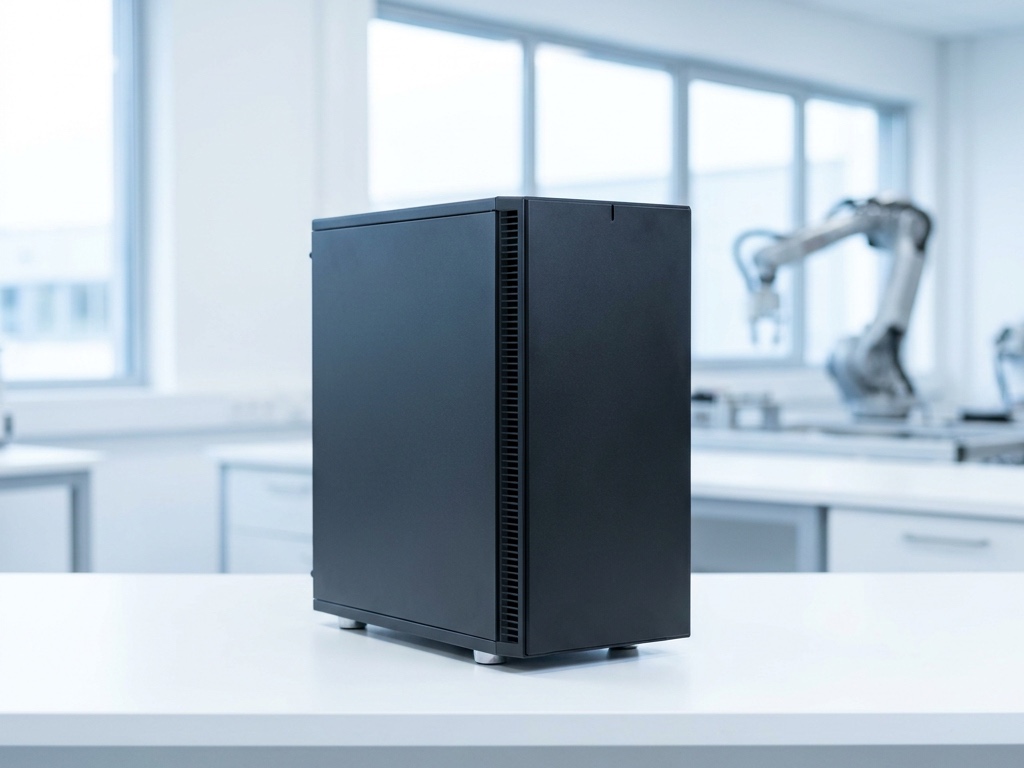
A tower with a real graphics card: the machine that thinks next to your robots and your data.
- Run a vision or policy model next to the cameras, at their frame rate
- Serve a model the agent can pick, with nothing leaving the building
- Fine-tune on today's episodes overnight
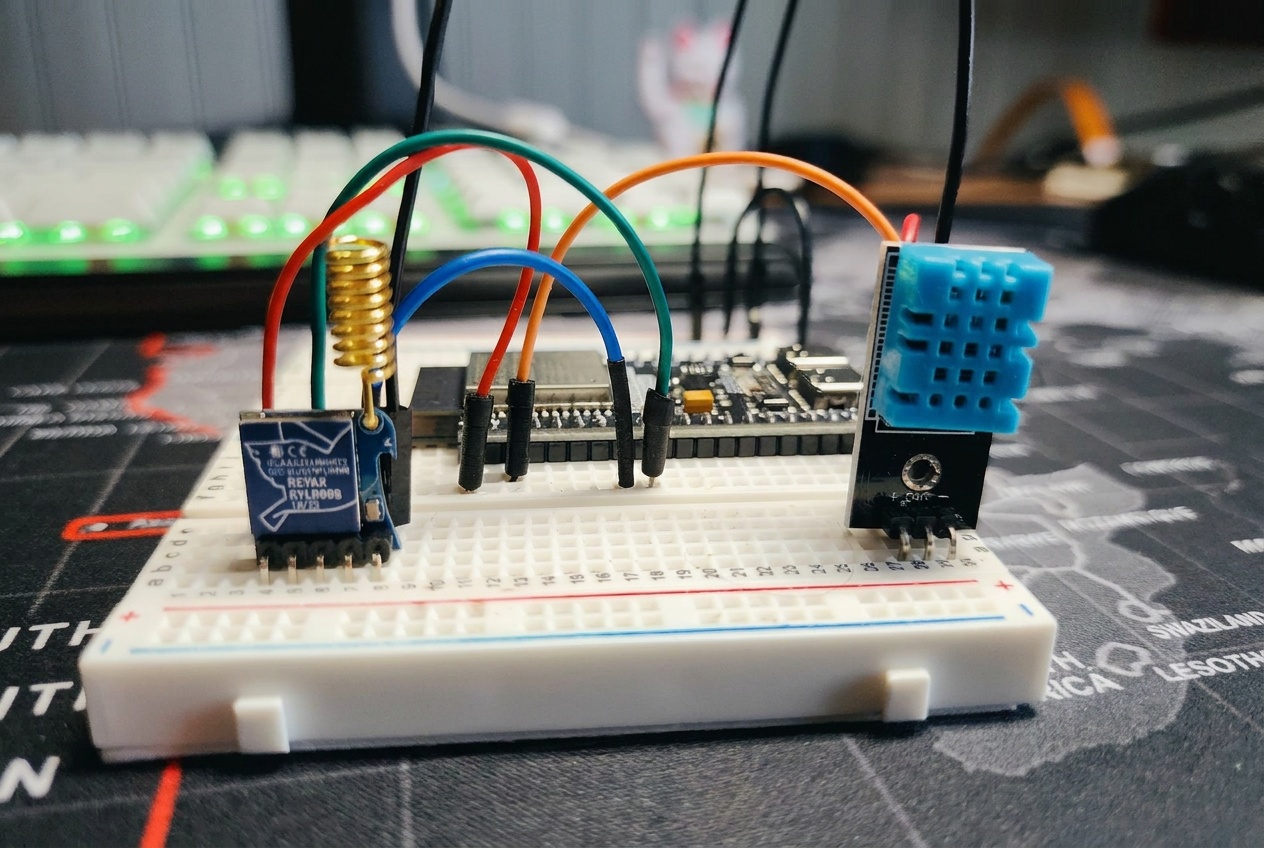
A board the size of a stamp that carries a sensor or a switch.
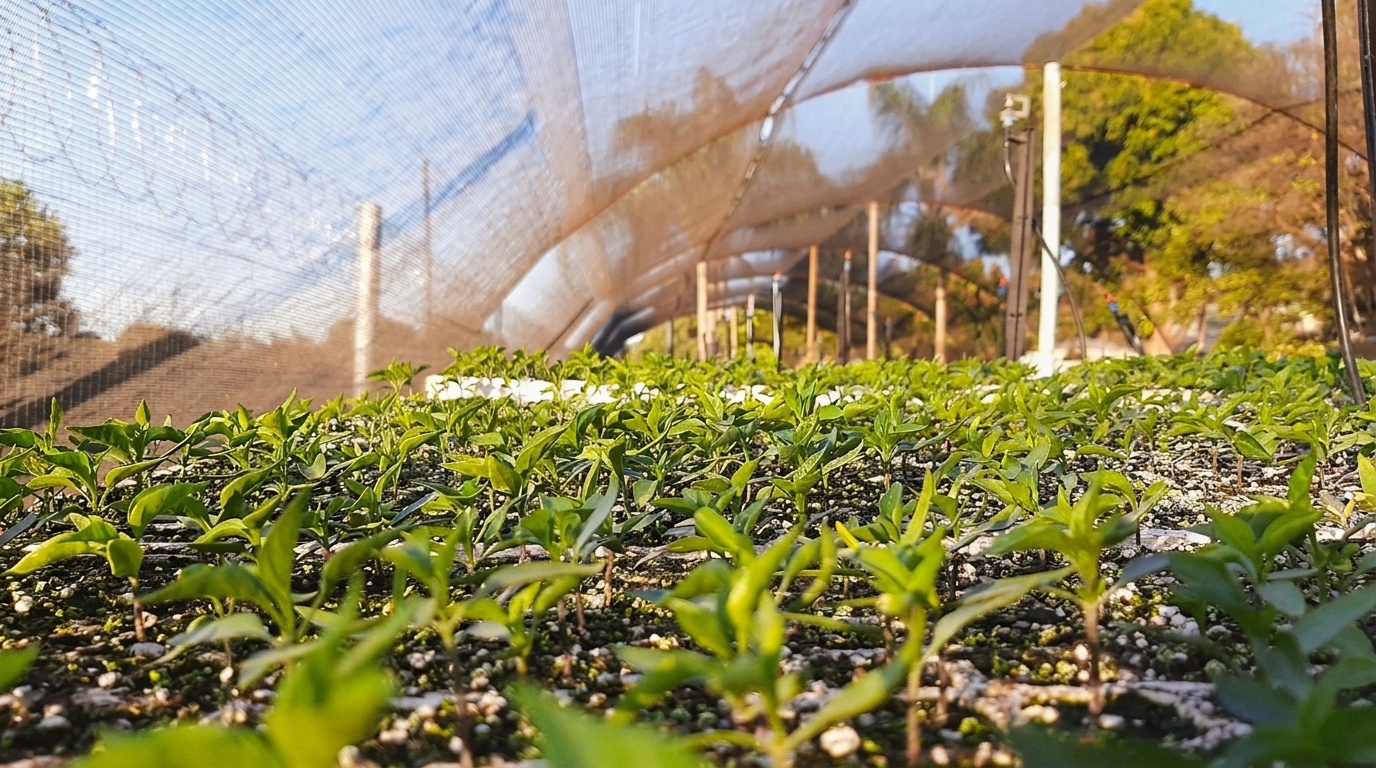
- Temperature and humidity where you need them
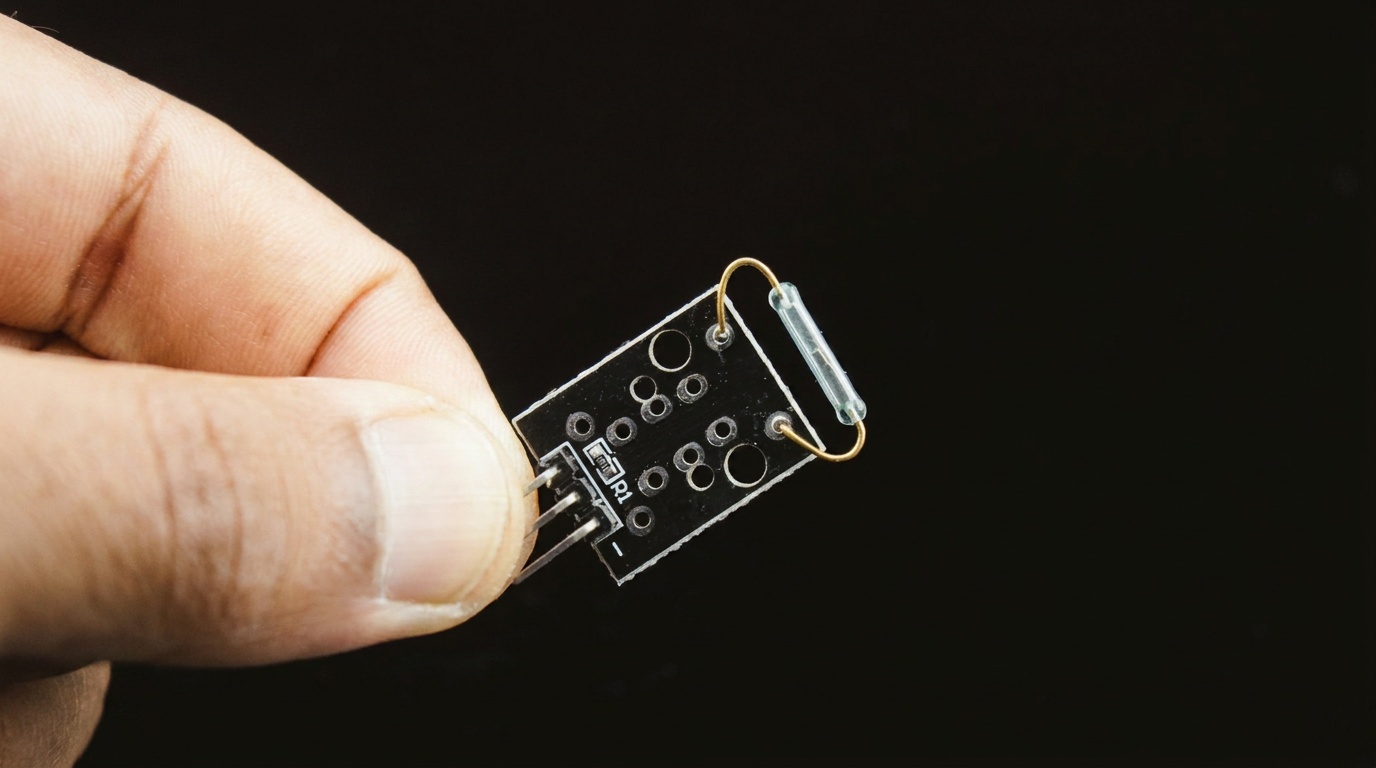
- A door that posts when it opens
- A relay that switches the pump or the lamp
What you plug into a machine shows up on its tile
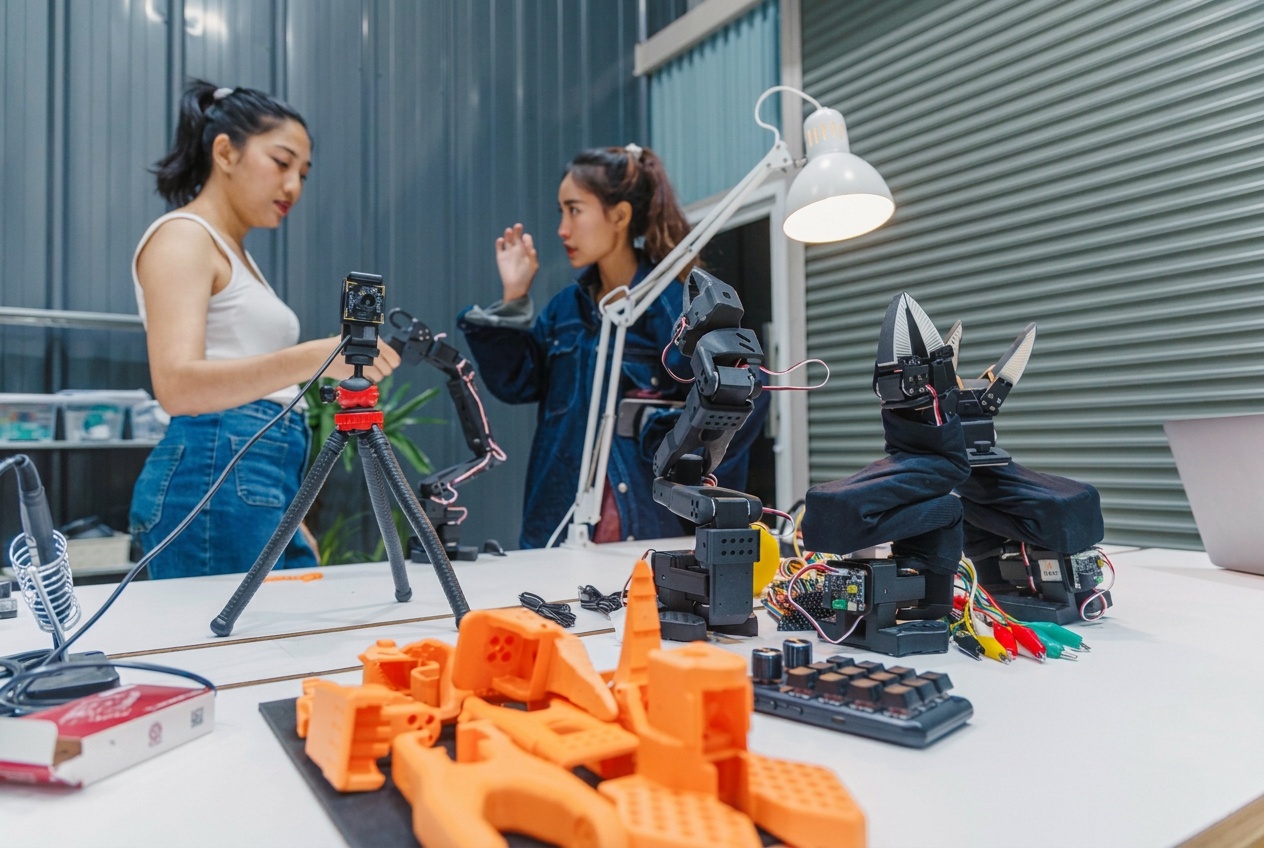
A camera, a robot arm, a set of studio lights, a sensor board, the 3D printer: plug it into the Pi, the Mac or the Jetson and it is listed on that machine's tile under devices. A scene pinned to the machine can use it; the agent is told what is there and how to address it.
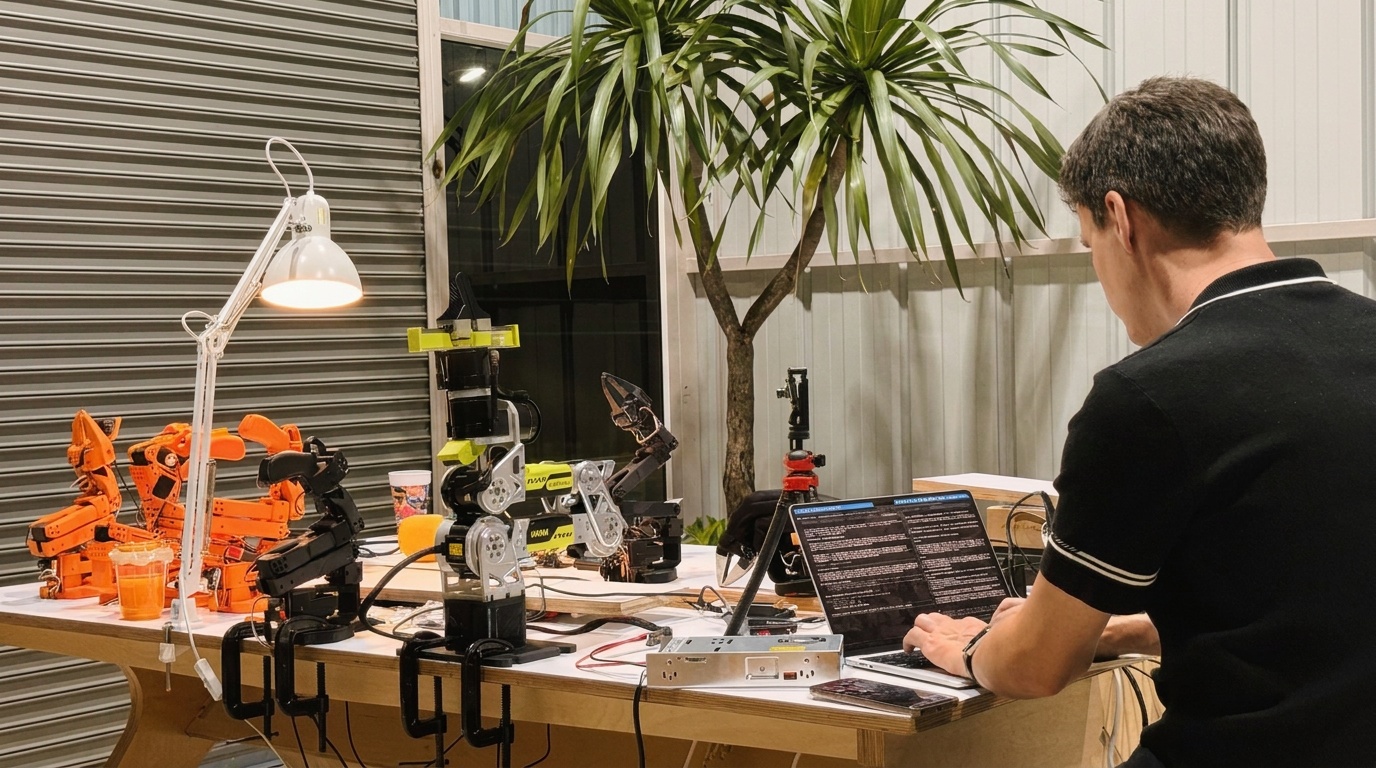
Each kind comes with presets so you pick from a list rather than configure: Camera (USB, camera module, IP, ESP32-CAM), Arm (SO-101, reBot B601-RS), Lights (Amaran), Sensors (ESP32), Printer (Bambu). The Pi guide ends with the bench in our own lab, as it stands.
A frame is a file the agent takes and looks at, on request or on a schedule. The printer, the door, the counter, the feeder.
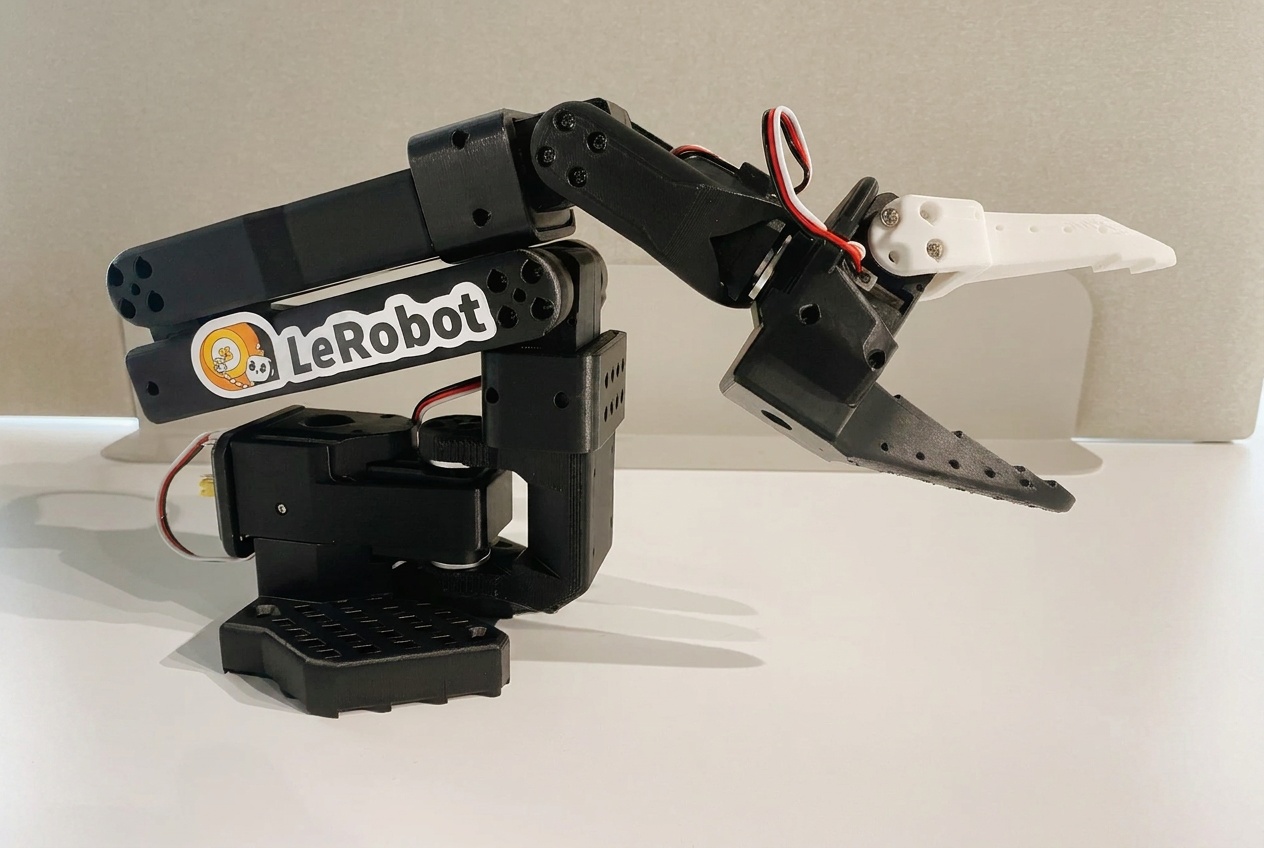
The SO-101 over USB serial with LeRobot, the reBot over CAN. The control and calibration scripts live on the machine; the agent runs them, with the camera watching.
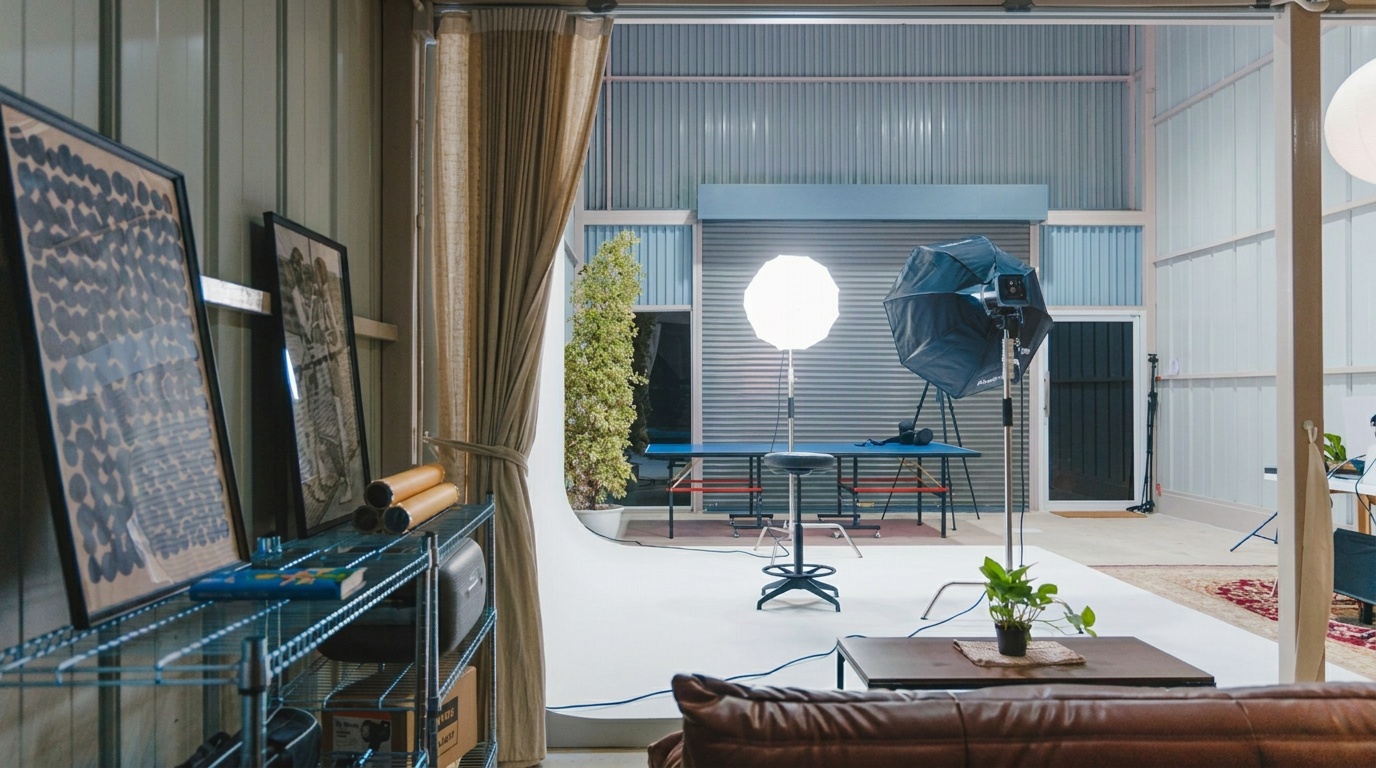
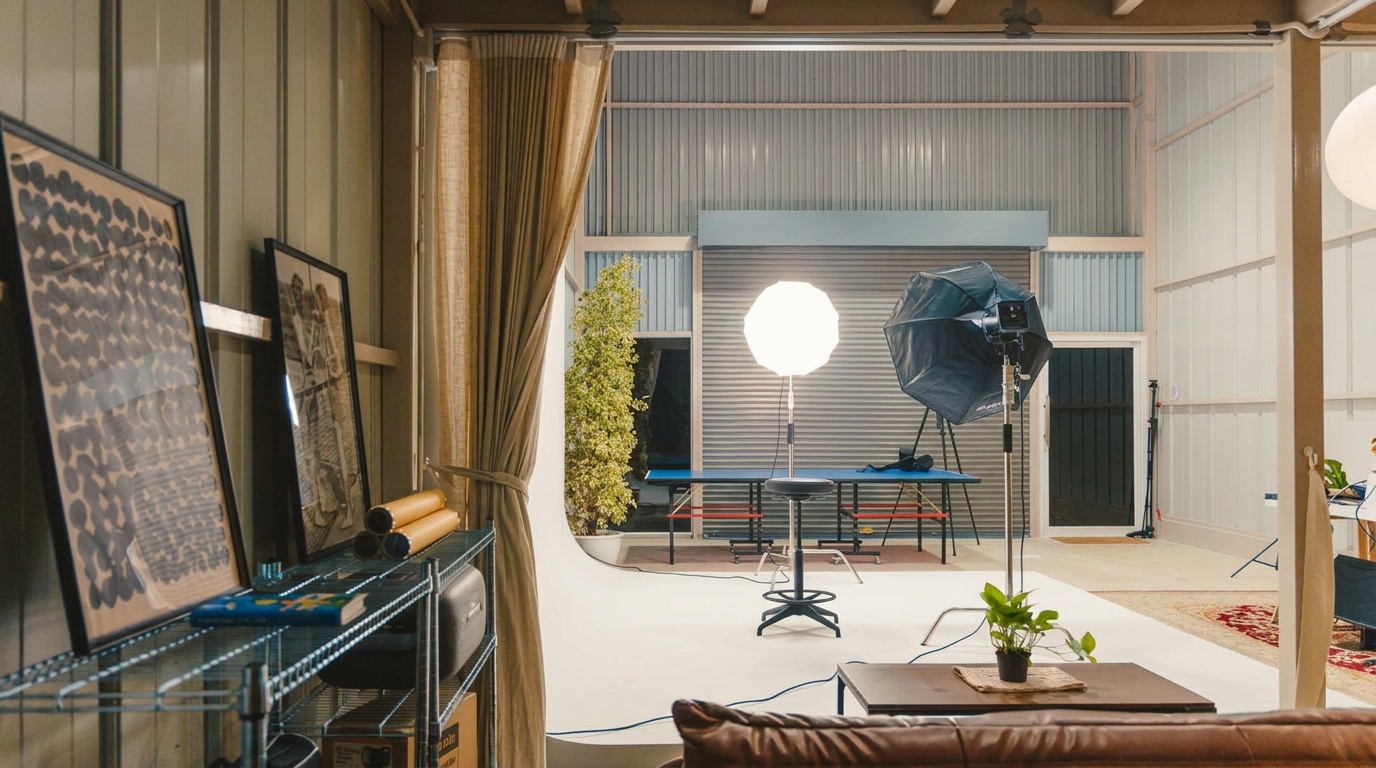
On, off, brightness, colour temperature. The studio stage lit by a sentence, or by the schedule the scene keeps.
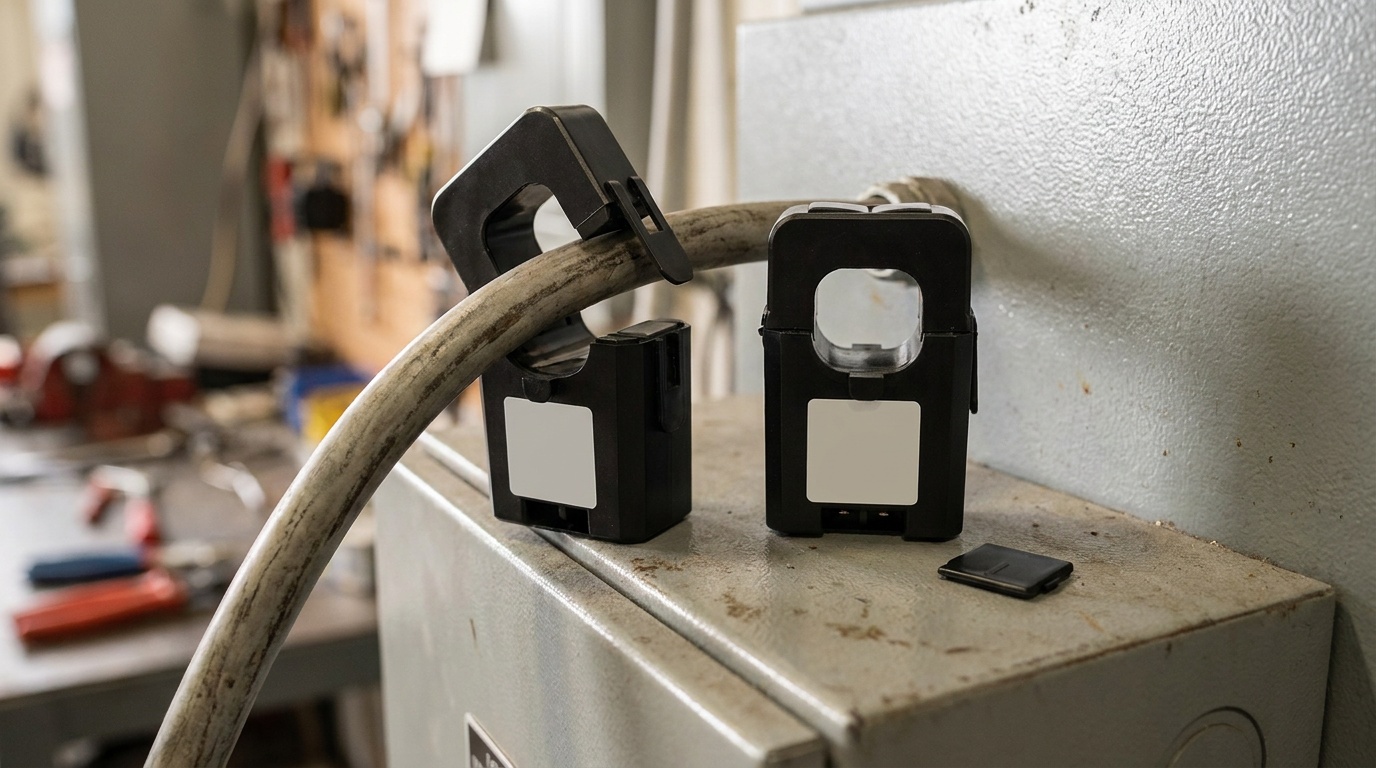
Temperature, humidity, a door, a button; a relay or a pin to switch. Through the machine, or on their own Wi-Fi.
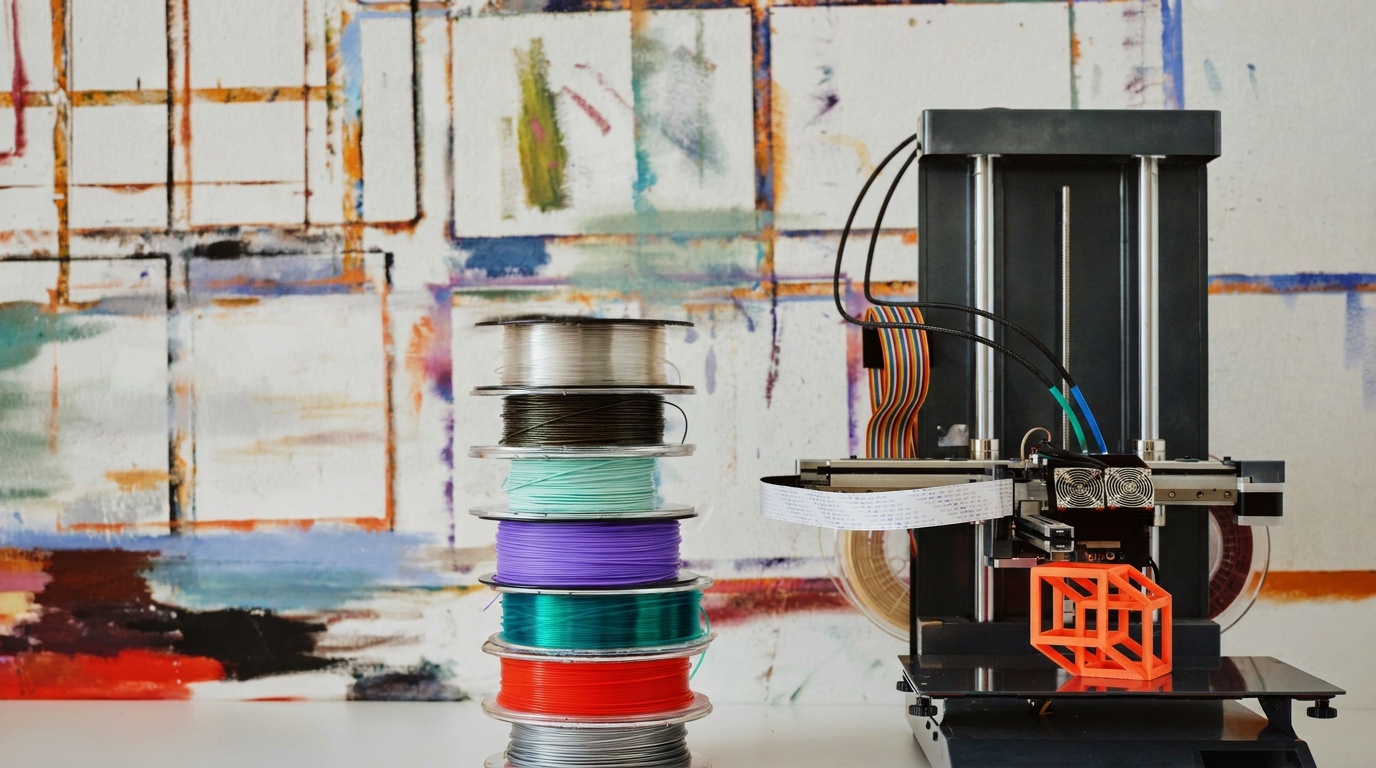
Send a job, watch the print through the camera, read the filament state, stop it when a layer looks wrong.
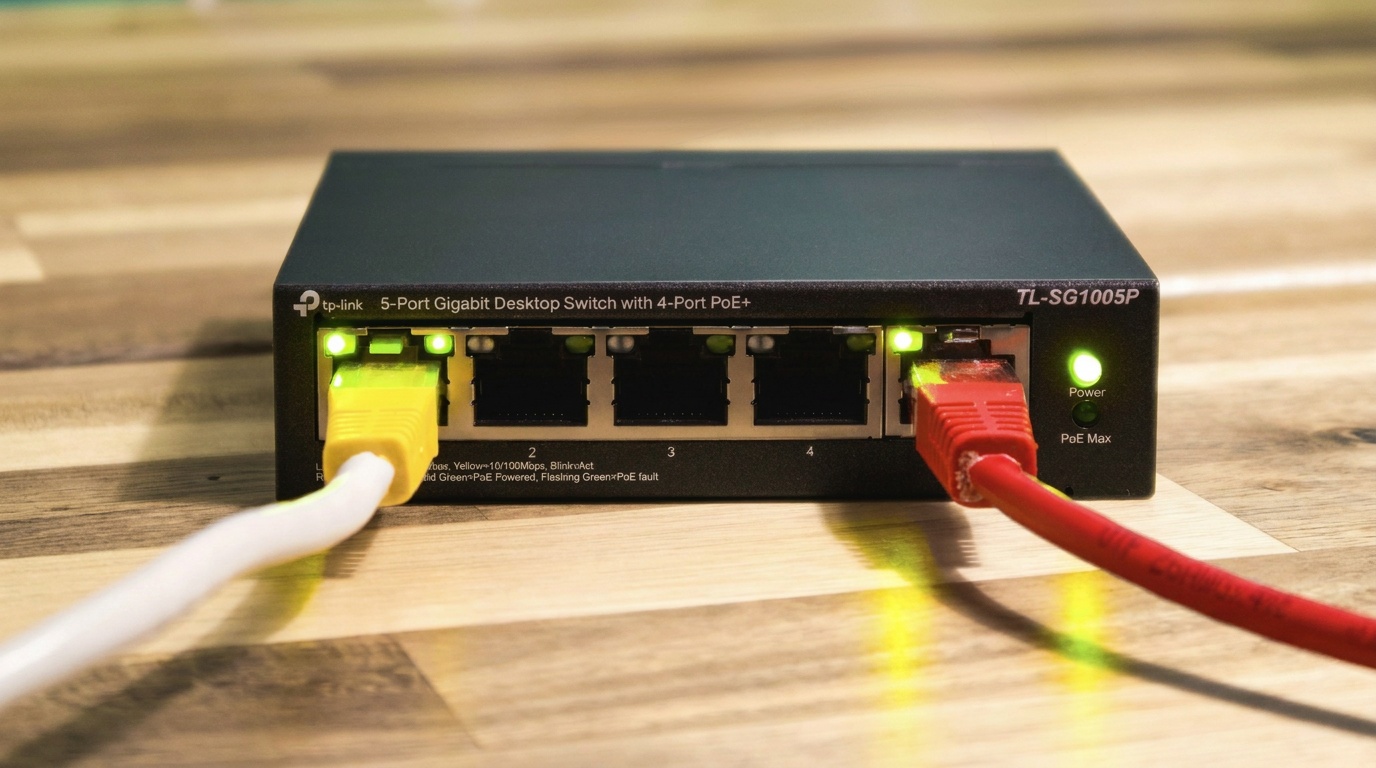
The NAS, the printer queue, the PLC with a web page, anything that answers on your network and nowhere else.
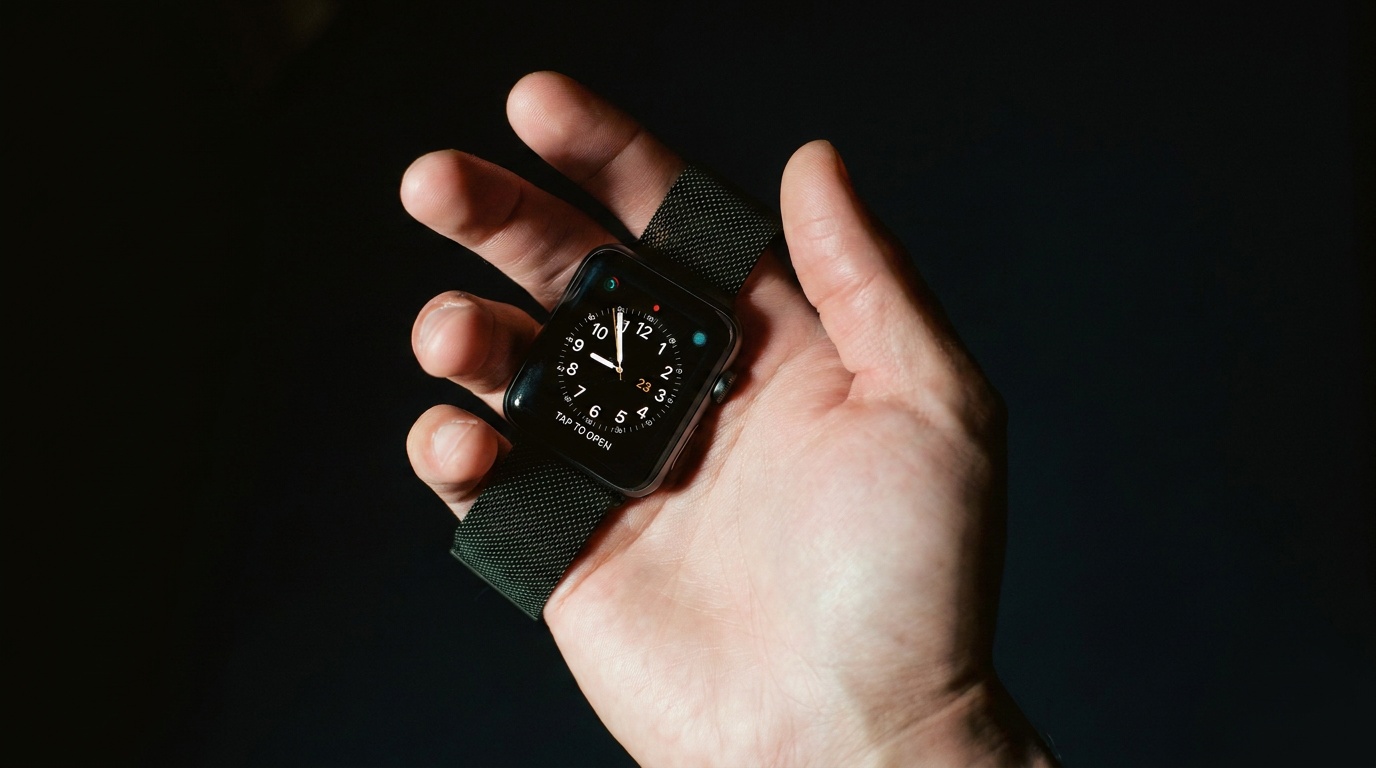
Hackable watches and trackers: heart rate, steps, a button, a small screen you write to. Readings arrive as cells; a tap on the wrist can run a scene.
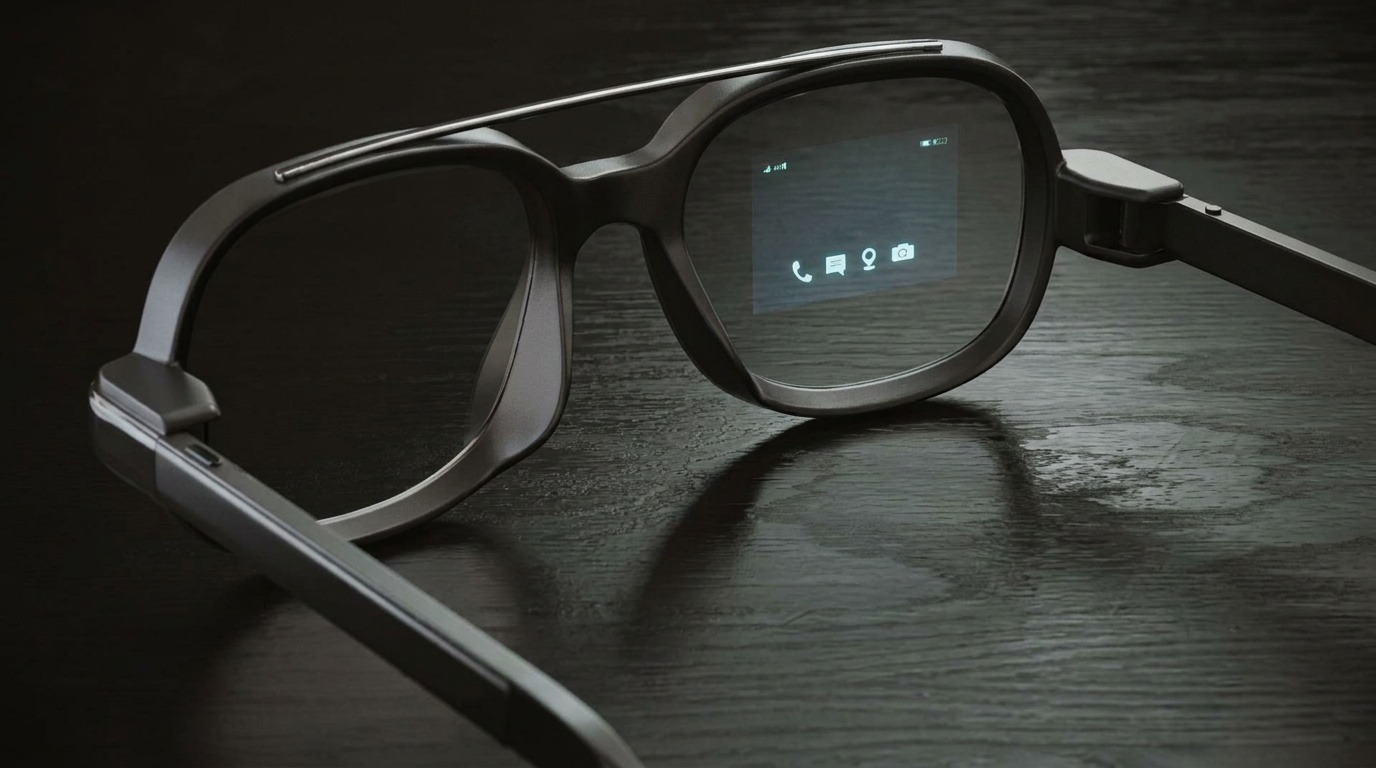
Glasses with a camera and a display you can program: what the wearer sees comes in as frames or as live video published straight into the machine on your Wi-Fi, what the scene says goes out as a line in the lens.
Things you would do with a machine of your own
Each of these needs something a rented machine does not have: your network, your address, your camera, your GPU, your switch.
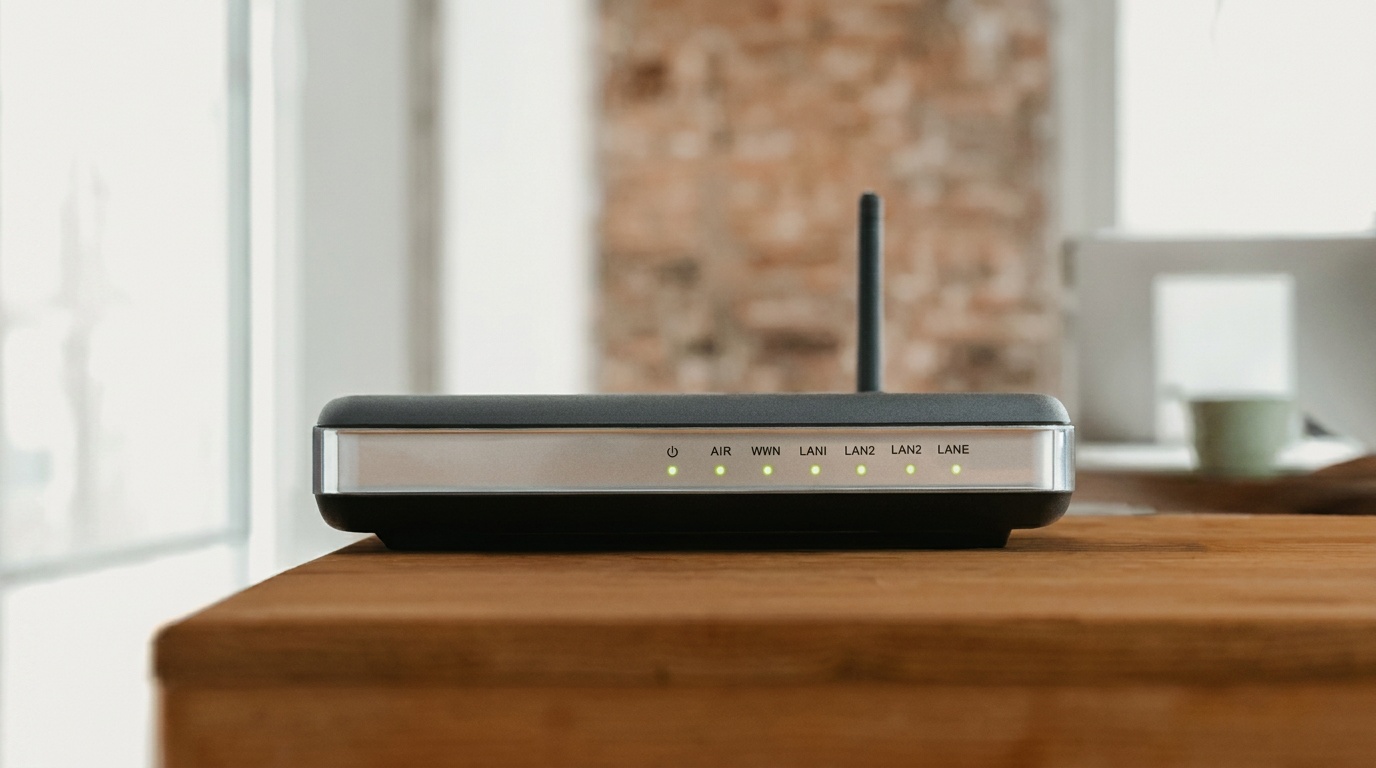
A port you publish from the machine will get an https address
Today a port a scene opens on the machine is reachable on the machine's own network. Next: publish it with a name and it answers at name-workspace.daslab.dev, with a certificate, through the connection the node already holds open. Nothing opens on your router.
Who can open the address will be decided the way everything else is: by the layer the tile sits in. Public, and the link works for anyone. Shared, and it asks for a Daslab sign-in and lets members through. Private, and it is yours. Move the tile and the rule moves with it.
The machine connects outward, so nothing on your side changes
No port forwarding, no DNS record, no firewall rule, no key to copy. The node prints a short code, you type it at daslab.run/pair on your phone and pick the workspace. It lands as a tile in the workspace, showing what it offers.
- Does this open my home network to the internet?
- No. The machine only connects outward, and nothing on it is reachable from outside. When published ports arrive, each will be gated by the layer its tile sits in.
- What happens when the machine is off?
- Scenes pinned to it say so and wait. They are not moved to our machines; a scene that was on your network stays on your network.
- What does it cost?
- Minutes on your own machine are not metered. Model usage is billed as always, on your keys or ours.
- Can other people in my workspace use my machine?
- Yes. A machine you pair is a tile in the workspace, and anyone in the workspace can pin a scene to it. Locking a machine to you — everyone sees it, only you pin to it — comes with layer locks.
- Can one machine be in two workspaces?
- Yes: run
daslab node pairon it again and pick the other workspace. It gets a tile in each, and leaves each on its own. Scenes from both run on the same disk, so keep this to machines you own outright. - Can I take it out again?
daslab node leaveon the machine, or delete the tile. Scenes pinned to it run on our machines from their next run.
Start with the machine you have
Photos: the bench, the lab and the Stage are ours; the GPU box is a generated image. reBot Arm B601 from Seeed-Projects/reBot-DevArm (CERN-OHL-W-2.0, render set on a bench); SO-101 arm from TheRobotStudio SO-ARM100 (Apache-2.0); Jetson board by SparkFun Electronics (CC BY 2.0, background replaced); the rest via Unsplash and Pexels.