Add a Jetson to your workspace
A Jetson is a Pi with a GPU. Point a camera at something and a scene pinned to it can count, read and watch without a frame leaving the building; plug in a robot and the same scene can move it.
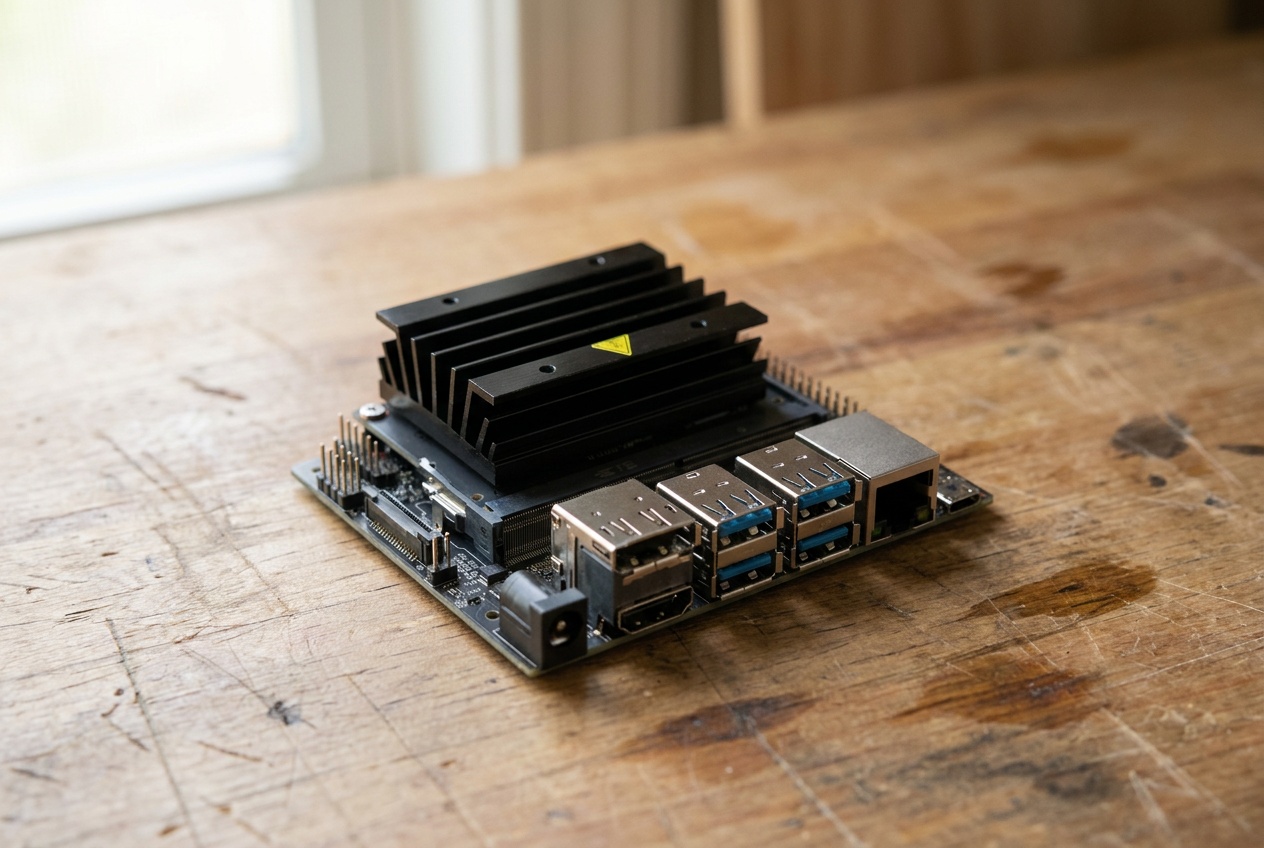
What you need
- A Jetson with JetPack installed. The Orin Nano 8 GB is the one we use.
- Power, a network, SSH.
- A camera if you want eyes: a CSI module on the ribbon connector, or any USB camera.
Install and pair
The same command as on the Pi. The node notices the GPU and the cameras and puts them on the tile.
$ curl -fsSL https://daslab.run/node | sh
installed daslab 1.1.62 for arm64
service enabled and started

  pairing code  M2VD-9KPA
  open          daslab.run/pair

waiting to be paired…
Type the code at daslab.run/pair, pick the workspace, and the tile appears with gpu and the cameras on it.
paired with workspace labhaus as shop-jetson
publishing: arm64 · 6 cores · 10.0.0.0/24 · gpu nvidia · camera
ready
Point a camera at something
Pin a scene to the Jetson and ask. A frame is just a file the agent takes and looks at; a model it needs runs on the GPU next to the camera, and the footage stays where the Jetson is.
Counts, readings and frames land in the scene as cells, like anything else the agent produces.
Give a port an address next
A live view or a results page on the Jetson is on your network today; an https address of its own, gated by the tile's layer, is next — the same as on the Pi.
Take it out
daslab node leave, or delete the tile.