Add a GPU box to your workspace
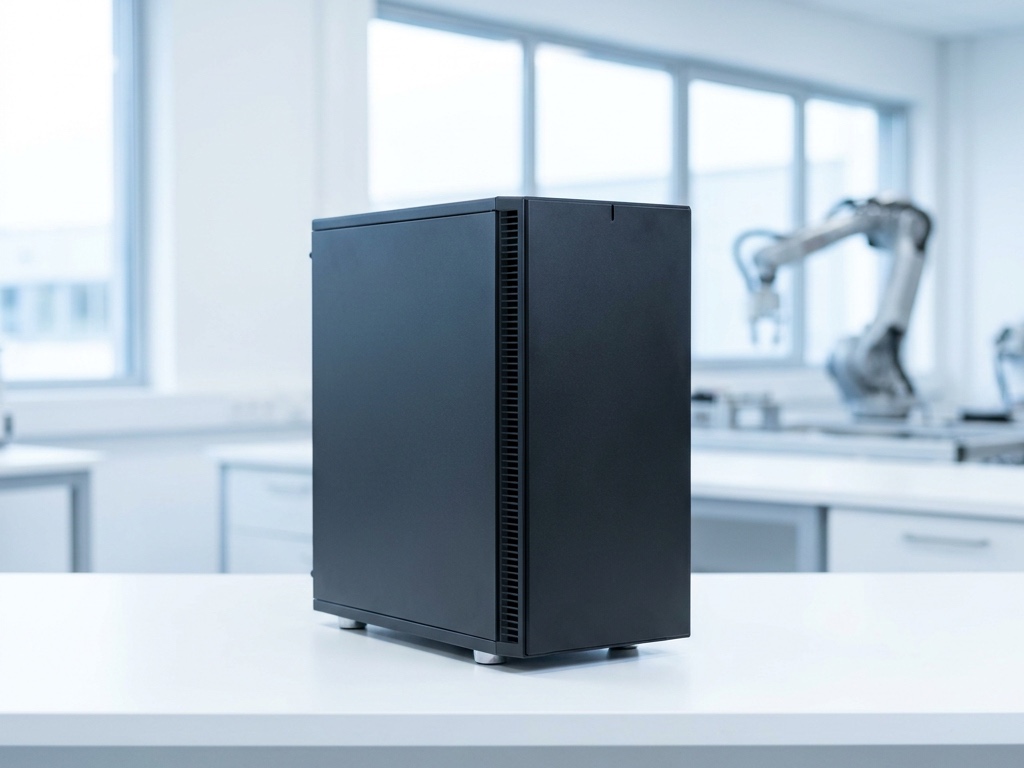
A tower with a real graphics card is the machine that thinks next to your robots and your data: a vision model at the cameras' frame rate, a policy for the arm, a language model the agent can pick — with nothing leaving the building. It joins like the Pi; the card is what it brings.
What you need
- A PC with an NVIDIA card. 24 GB runs a 27B-class model; 32 GB (RTX 5090) the same with room for context; 96 GB (RTX PRO 6000) a 70B at FP8 or a 120B mixture-of-experts, with the KV cache an agent's long conversations need.
- Ubuntu 22.04 or 24.04 with the NVIDIA driver installed —
nvidia-smishows the card. - Power, a network, SSH or a keyboard for the first minute.
- No card yet? Rent one for the afternoon. It pairs the same way and is gone when you leave.
Install and pair
The same command as on the Pi. The node notices the GPU and puts it on the tile.
$ curl -fsSL https://daslab.run/node | sh
installed daslab 1.1.63 for x86_64
service enabled and started

  pairing code  H4RN-7PWC
  open          daslab.run/pair

waiting to be paired…
Type the code at daslab.run/pair, pick the workspace, and the tile appears with gpu on it.
paired with workspace labhaus as lab-gpu
publishing: x86_64 · 16 cores · 192.168.1.0/24 · gpu nvidia · camera
ready
Run a scene on it
In a scene, tap Add and pick lab-gpu under Machines — or say run this scene on lab-gpu. From the next job on, the scene's computer is the box: the card, the cameras on it, the lab's network. Things that want a GPU next to the bench:
Serve a model next
Start a model server on the box — vLLM, SGLang, Ollama, anything that speaks the OpenAI API:
$ vllm serve Qwen/Qwen3.8-27B-FP8 --max-model-len 131072
INFO  Uvicorn running on http://0.0.0.0:8000
The node notices it and the tile lists the models. Next: they appear in the model picker of every scene in the workspace as lab-gpu / Qwen3.8-27B, beside the ones we host. The agent uses them like any model, through the connection the node already holds open — no port, no key, no address — and the price is what the box costs you: nothing per token. Until then the model is there for scenes pinned to the box, at localhost:8000.
What fits
When the box is off
Scenes pinned to it say so and wait. A model it served is simply not in the picker until it is back.
Take it out
daslab node leave, or delete the tile.